A poster is read from across a room and scanned from a step away, and those two distances are not the same number. Almost every unscannable poster QR code comes from sizing for one and forgetting the other, or from hanging the poster so high that every phone points up at it. Both are fixable before the QR code file goes to print.

The benefits of using QR codes on posters
A poster is the most one-way medium there is. It goes up on a wall, people walk past it, and you never learn whether any of them did anything about it. A QR code is the only part of a printed poster that reports back, and it is the only part that turns a glance in a corridor into a booking, a sign-up or a ticket.
It also solves the second poster problem, which is that the print run happens once and the campaign keeps moving. Dates shift, venues change, tickets sell out, and the poster on the wall keeps saying whatever it said in week one. A dynamic QR code lets the paper stay fixed while the page behind it stays current, right through to the day the event ends and past it.
What a poster QR code has to handle
Two distances, not one
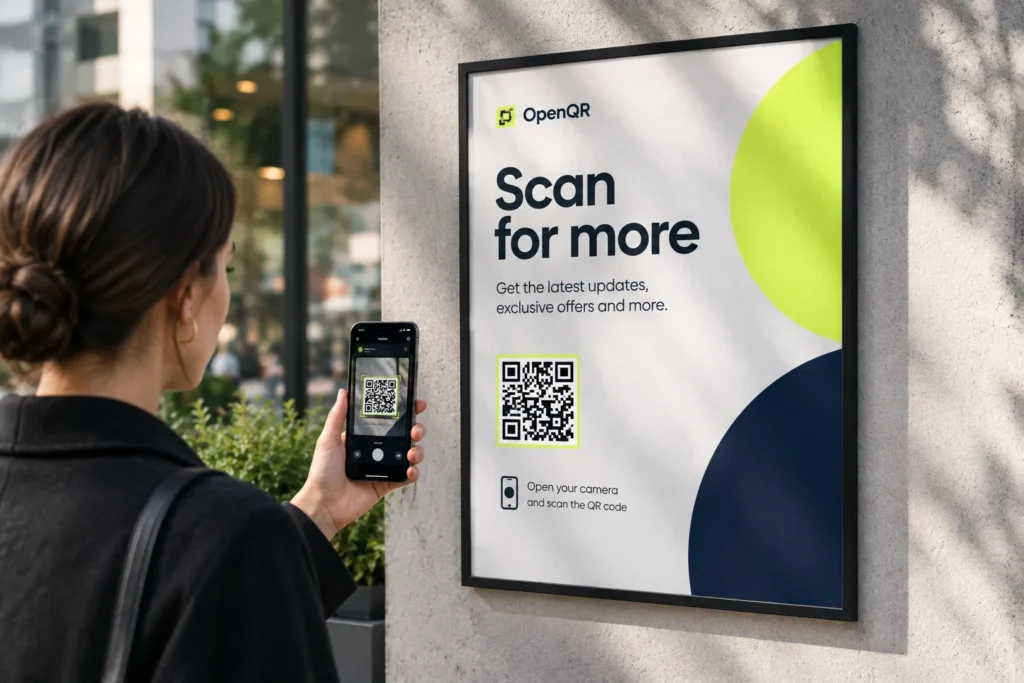
People read a poster from four or five metres and step closer to scan it. Size the QR code for the distance they will actually stand at, unless the poster is somewhere they cannot reach.
Whatever height the wall gives it
A poster hung above head height forces every phone to point upwards, and a poster QR code viewed at a steep angle stops presenting as a square. Height decides QR code scan rate more than design does.
Glass, glare and weather
Bus shelters, lightboxes and framed noticeboards put glass between the code and the camera. Outdoors, add rain, low winter sun and UV fade on top.
A campaign that outlives the paper
When the event is over the posters are still up. Redirect the same poster QR code to recordings, photos or next year and the print run keeps earning instead of becoming litter.
QR solutions that work best on a poster
Three print mistakes that stop a poster QR code scanning
Using the business card number
Most guidance repeats a 2 cm minimum, which comes from print material held in the hand. On an A1 poster a 2 cm QR code is not just hard to scan, it is hard to notice. Poster QR codes start at 100 mm and go up from there.
Hanging it above head height
A QR code mounted at two metres or higher is read by a phone tilted upwards, and the steeper the angle the more the square distorts. Put the code between 1.2 and 1.6 m from the floor even when the poster itself sits higher.
Forgetting the glass
Framed noticeboards, bus shelters and backlit lightboxes reflect the room, the window opposite and the person holding the phone. Check where the reflection lands before choosing the corner for the QR code, and use matte laminate on anything unframed.
WHAT TO LINK FROM YOUR POSTER
One code. Endless ways to use it.
Pick the right QR type for the job – every one is dynamic, trackable, and editable long after the posters are hung.
Sign-ups and ticket sales
Send people straight to registration or the ticket page while they are standing in front of the poster. If you change ticketing platform halfway through the campaign, swap the destination and every poster on every wall keeps working.
USES: URL QR CODEThe programme or price list
Upload the full programme, timetable or price list as a PDF and OpenQR hosts it. The poster carries the headline, the QR code carries the detail that would never fit on the paper.
USES: PDF QR CODEDirections to the venue
A location QR code opens a map to the door from wherever the person is standing. Far more useful on a street poster than an address nobody will remember two streets later.
USES: LOCATION QR CODEA number to call from the street
A phone QR code loads your number into the dialler ready to press, which suits recruitment, lettings and service posters where the next step is a conversation rather than a form.
USES: PHONE QR CODEEntries, votes and text-to-join
An SMS QR code opens a message with the text already written, so entering a competition or joining a list takes one tap in a corridor instead of a form on a phone keyboard.
USES: SMS QR CODEWITHOUT OPENQR
- A 2 cm code on an A1 poster that nobody notices, let alone scans
- Mounted above head height, so every phone points up at an angle
- A glass frame throwing the room straight back at the camera
- The event ends and the whole print run becomes litter
WITH OPENQR
- Sized from the distance people actually stand at to scan
- Placed between 1.2 and 1.6 m, where phones are held level
- Matte laminate, positioned clear of the reflection
- Redirected after the event to recordings, photos or next year
What goes wrong with QR codes on posters
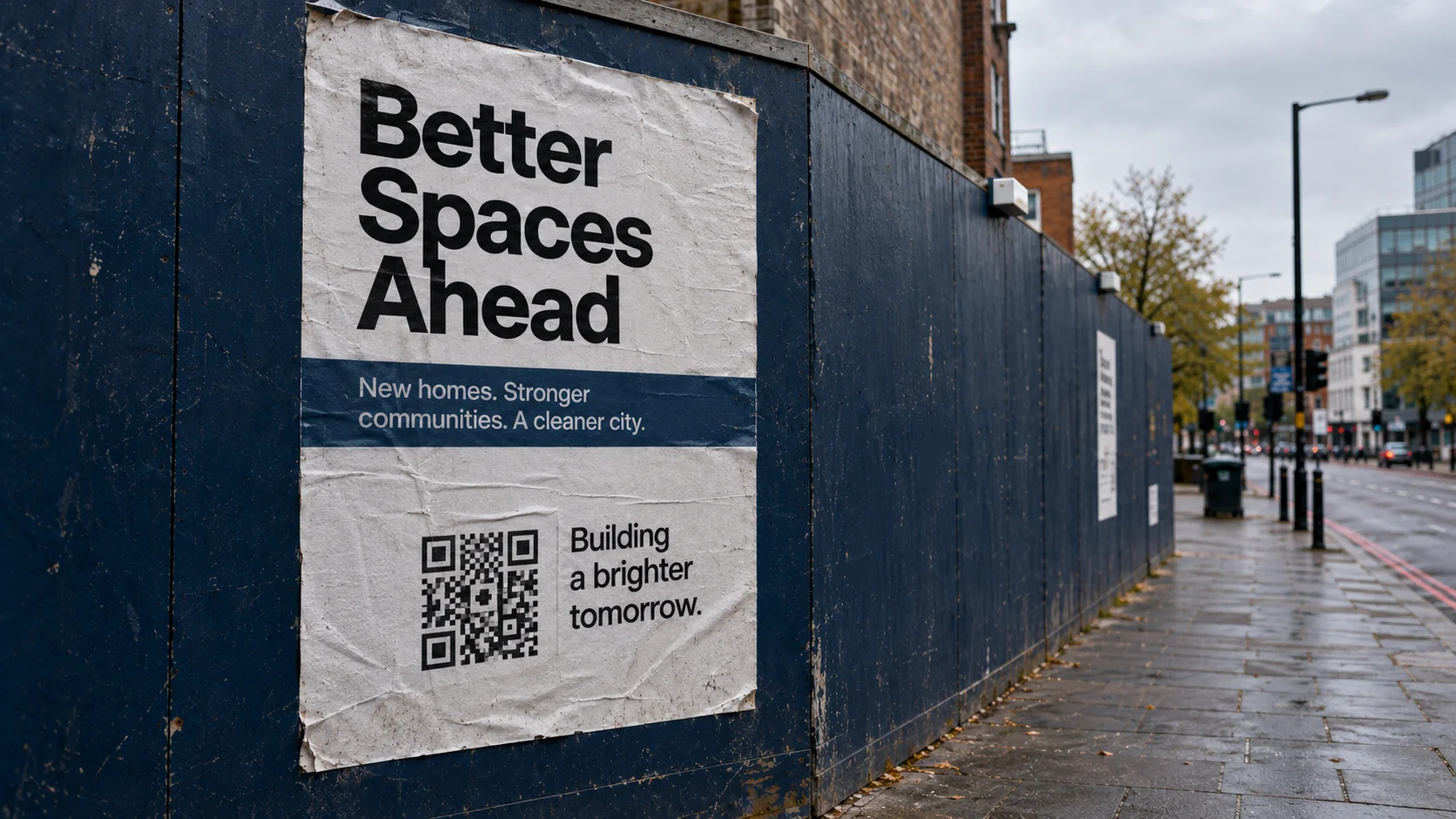
Posters fail on two numbers that get confused with each other. A poster is designed to be read from four or five metres, so designers size the QR code as a small element in a large layout, usually somewhere around 20 to 30 mm because that is the figure every print guide repeats. That figure comes from material held in the hand, such as flyers. At poster scale it produces a code that is invisible from the reading distance and marginal even up close, and the second failure compounds it: posters get hung at eye level or above, so the phone tilts upwards and the square the scanner is looking for arrives as a trapezoid.
The third problem is that posters go up once and campaigns do not stand still. Dates move, a support act cancels, tickets sell out, the venue changes, and a static QR code printed in week one is pointing at last month’s page for the rest of the run. A dynamic QR code separates the paper from the page. The poster stays on the wall exactly as printed and the destination behind it stays editable, including after the event, when the same code can send people to recordings or to next year’s dates.
QR code size for posters, by scanning distance
The rule is scanning distance divided by ten. The mistake is measuring the wrong distance. A poster read from five metres is almost always scanned from one or two, because people walk towards a poster before they raise a phone at it. Size the QR code for where they will stand to scan, not for where they first see the poster.
| Scanning distance | Minimum QR code size | Where this happens |
|---|---|---|
| 0.5 m | 50 mm | Poster on a counter or a desk, read close up |
| 1 m | 100 mm | Corridor noticeboard, café wall, reachable poster |
| 1.5 m | 150 mm | The realistic default for most indoor posters |
| 2 m | 200 mm | Shop window read from the pavement |
| 3 m | 300 mm | Poster behind a barrier, a counter or a road |
| 5 m | 500 mm | Station concourse, above a platform, high atrium |
| 10 m | 1000 mm | Banner, hoarding or building wrap |
The second table is the one that changes layouts. It shows what those sizes cost you as a share of the poster width, which is why sizing for the reading distance is impossible on anything smaller than A0.
| Poster format | Size | 150 mm code (1.5 m scan) | 300 mm code (3 m scan) |
|---|---|---|---|
| A3 | 297 x 420 mm | 51% of the width | Does not fit |
| A2 | 420 x 594 mm | 36% of the width | 71% of the width |
| A1 | 594 x 841 mm | 25% of the width | 51% of the width |
| A0 | 841 x 1189 mm | 18% of the width | 36% of the width |
If the poster is somewhere nobody can walk up to, the scanning distance and the reading distance are the same number and you have to use the large figure. That is the case behind glass at a station, above a platform, across a road, or high on an atrium wall. When the big code will not fit, the answer is to move the QR code, not to shrink it: put the QR code low on the poster where people can approach, or accept that this poster is not a scanning surface and use it to carry a short memorable URL instead.
| Spec | Poster | Why it matters |
|---|---|---|
| Quiet zone | 4 modules, so about 30 mm around a 200 mm code | It scales with the QR code. At poster size that is a real margin, not a hairline |
| Mounting height | QR code centred 1.2 to 1.6 m from the floor | Above that, phones tilt and the square skews |
| Laminate | Matte | Gloss laminate mirrors ceiling lights and windows |
| Outdoor | UV-stable ink, matte weatherproof laminate | Faded contrast fails before the paper does |
| Contrast | Dark code, light background | Inverted codes fail on many native camera apps |
File format, resolution and error correction work the same on a poster as on anything else, so they are covered once in our guide to print QR codes rather than repeated here. The short version: send vector, and raise error correction to H only if a logo sits in the middle.
Where to put a QR code on a poster
Low and to one side. The bottom third of the poster puts the QR code near hand height once the poster is hung, which is the whole point, and the side edge keeps it out of the reflection band that runs down the middle of most framed or glazed posters. Give the QR code its quiet zone as clear space rather than tucking it into a photograph, and put a line of copy beside it saying what the scan does. Scan for tickets outperforms a bare square, because a QR code on a poster in a corridor is competing with somebody already walking somewhere else.
Two behaviours are worth designing for. People photograph posters to deal with later, and a scan from that photo only works if the QR code was large and sharp on the wall, which is another argument against the small number. And people scan in transit, in a corridor or on a platform, with a few seconds of attention, so the destination has to load fast and answer the poster immediately rather than dropping them on a homepage.
Make the poster QR code dynamic before the file goes to the printer. A static QR code encodes the destination in the pattern, so it cannot be changed once the run is printed, and it produces a denser grid that needs to be physically larger to stay readable at distance. See static vs dynamic QR codes for the difference. For posters advertising an event, QR codes for events covers the badges, banners and programmes that go with them, and QR codes for museums and galleries covers wall labels and exhibition panels, which have the same height and glare problems at smaller sizes.
Then test it the way it will be used, which takes ten minutes and almost nobody does it. Print the poster QR code at full size on ordinary paper, tape it to a wall at the height the poster will hang, and scan it from the actual distance on two phones, once in bright light and once in a dim corridor. If it fails at three metres, it will fail at three metres on the wall too, and finding that out now costs a sheet of A4 rather than a print run.
Scanning distance divided by ten. 100 mm at 1 m, 150 mm at 1.5 m, 300 mm at 3 m.
QR code centred 1.2 to 1.6 m from the floor, even when the poster hangs higher.
Gloss laminate and glazed frames mirror the room straight back into the camera.
The posters stay up for weeks afterwards. Point them at recordings or next year’s dates.