A flyer is the cheapest piece of print a business makes and the one it makes most often. It goes through letterboxes, under windscreen wipers, into delivery bags and onto noticeboards, usually to sell one offer for a few weeks. That gives the QR code on a flyer two jobs nobody plans for. It has to make sense after the offer has ended, because flyers stay on fridges for months. And it should tell you which flyer worked, because you will print another one next month and want to know what to change.
The benefits of using QR codes on flyers
Flyers are traditional marketing, and that is their strength: they reach people who never see your ads, in the street, at the door and on the counter. A QR code on a flyer turns that printed sheet into the next step. A promotional flyer opens the coupon, an event flyer opens the tickets and the map, a takeaway flyer opens the order page, and a launch flyer opens the video or the pre-order. People act on the flyer while it is in their hand, instead of typing a web address later or not at all.
It also makes flyers measurable, which they have never been. Each scan is counted by day, city and device, so a flyer stops being a cost you hope pays off and becomes a campaign you can compare with the last one. And because flyers are printed quickly and often, a dynamic QR code lets one design run for months: change the offer behind the code, keep the stack of flyers you already paid for.
What a flyer QR code has to handle
An offer with an end date
Most flyers sell something for a few weeks: a sale, an opening, a seasonal menu. The flyer itself stays on fridges, noticeboards and car seats long after, and the code needs somewhere sensible to send people when the offer is over.
Thin paper and a cheap print run
Flyers are printed on light paper to keep the cost per copy down. On thin stock the print on the back shows through, and a QR code with a photo behind it on the reverse loses contrast on the front.
Letterboxes, wipers and pockets
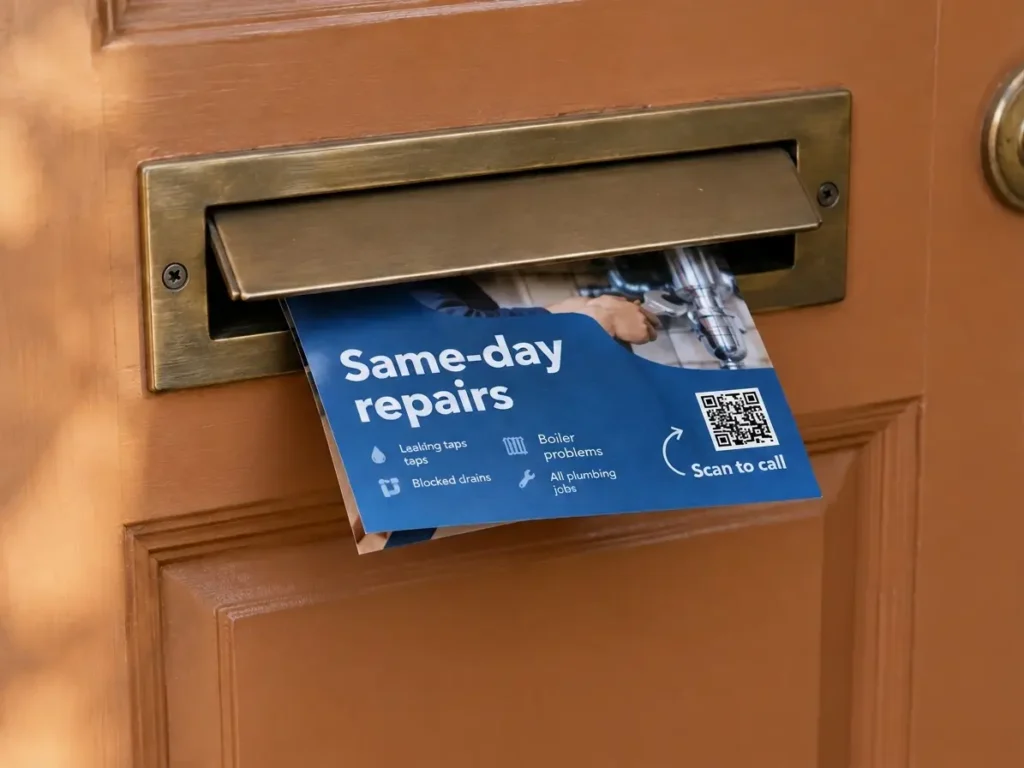
Flyers are folded to fit letterboxes, curled under windscreen wipers and pushed into bags. A crease across the code, or a code that ends up on the side facing the doormat, costs scans before anyone has read a word.
A new version every month
Flyers are the easiest print to change and test. Two headlines, two offers, two neighbourhoods: give each version its own code and the scans show which one to print again.
QR solutions that work best on a flyer
Three mistakes that waste a flyer QR code
Letting the code die with the offer
The sale ends, the landing page is taken down, and every flyer still in circulation opens an error page. Before printing, decide where the code goes when the offer ends: the next offer, the full price list or the shop page. With a dynamic code it is one change in the dashboard.
One code on every version
Two headlines or two neighbourhoods printed with the same QR code produce one scan count, and you learn nothing. Give each version its own code from the start. It costs nothing at print time and is the only way to compare them afterwards.
A photo behind the code on the back
On paper of 90 gsm or lighter, the reverse side shows through. A dark photo printed behind the QR code’s position on the back greys out its light modules. Keep the area behind the code light or empty on the reverse, or use heavier paper.
WHAT TO LINK FROM YOUR FLYER
One code. Endless ways to use it.
Pick the right QR type for the job – dynamic codes stay editable and trackable long after the flyers are handed out.
The offer, ready to use
Send the scan straight to the discount, the coupon or the sale page, not to your homepage. When the offer ends, point the same code at the next one, and the flyers still on fridges keep bringing people in.
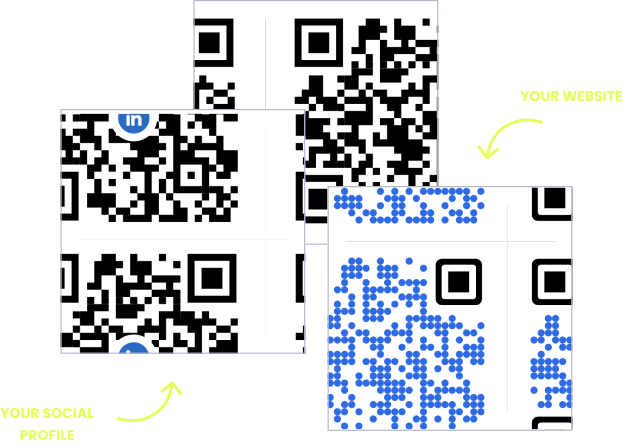
USES: URL QR CODEOpening night and launch parties
An event QR code adds the date, time and address of the opening, the launch or the concert to the guest’s calendar. Pair it with a link to tickets so the flyer handles both the reminder and the booking.
USES: EVENT QR CODECall to book, straight from the letterbox
Trades, cleaners, tutors and removal firms get work by phone. A phone QR code puts your number in the dialler, ready to press, which is quicker than reading it off a flyer and typing it in.
USES: PHONE QR CODEOrder takeaway without the search
A delivery flyer through the door is the moment someone is hungry. Link the code to your own ordering page, and change it in one place if you move to a different ordering system.
USES: URL QR CODETour details, floor plans and timetables
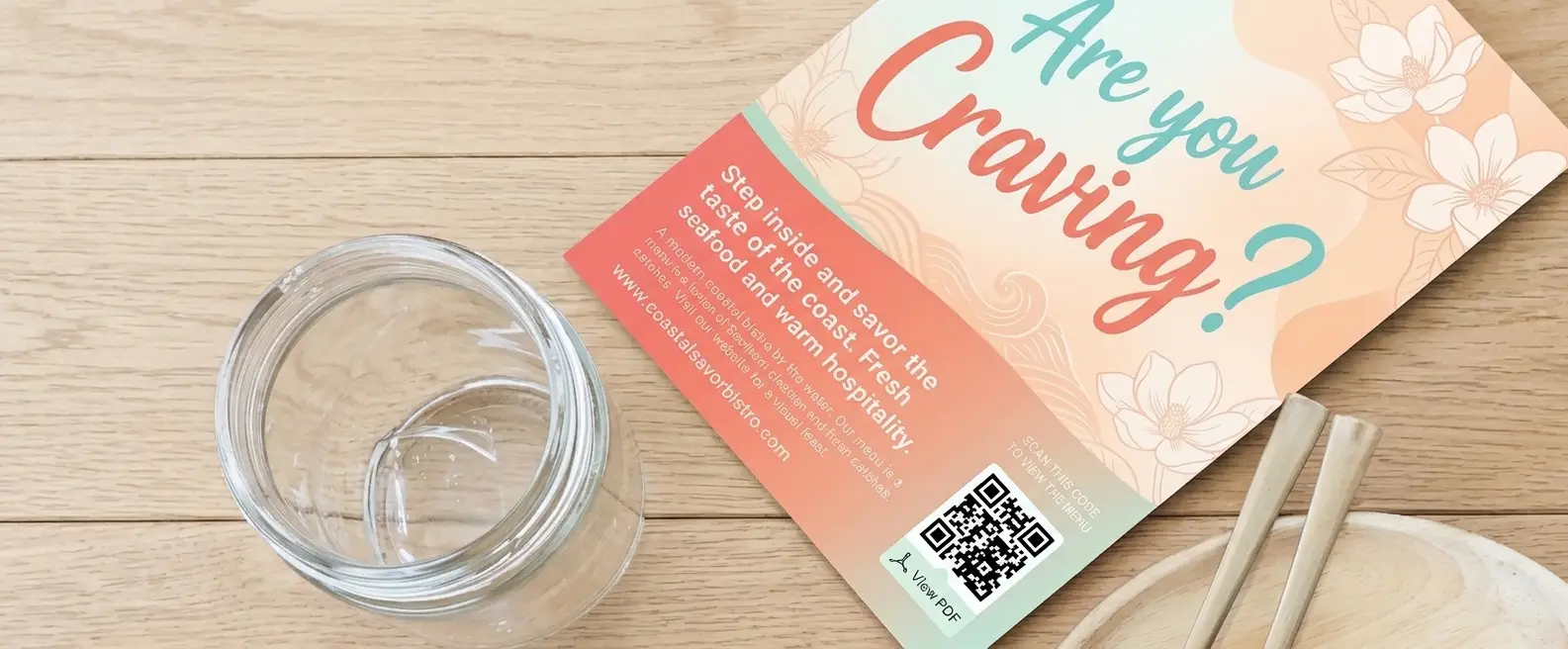
A travel agency, an estate agent or a sports club has more detail than a flyer can hold. Upload the itinerary, the floor plan or the season timetable as a PDF and OpenQR hosts it, ready to swap when it changes.
USES: PDF QR CODEFollowers that outlast the flyer
A social media QR code opens one page with all your profiles, so someone who picks up a flyer at a market or a pop-up can follow you before they walk away. The flyer gets thrown out, the follow stays.
USES: SOCIAL MEDIA QR CODEWITHOUT OPENQR
- The sale ends and every flyer still out there opens an error page
- Two versions printed with one code, so nothing can be compared
- A crease from the letterbox fold straight through the code
- A dark photo on the back showing through behind the code
WITH OPENQR
- The code moves on to the next offer when this one ends
- A code per version, compared by scans per 1,000 printed
- Code placed clear of the fold the flyer will get
- The area behind the code kept light on the reverse
What goes wrong with QR codes on flyers
Flyers fail on time before anything else. A flyer is designed for one offer and one moment, and the QR code is usually pointed at a page made for that moment: the sale, the opening, the event. Two weeks later the page is gone, but the flyers are still on fridges, noticeboards and car seats, and every scan from them now lands on an error page. That is the worst outcome a flyer can have, because it reaches someone who was interested and then turns them away. A dynamic QR code fixes it with one change: when the offer ends, the code moves on to the next one, or to the page that is always true.
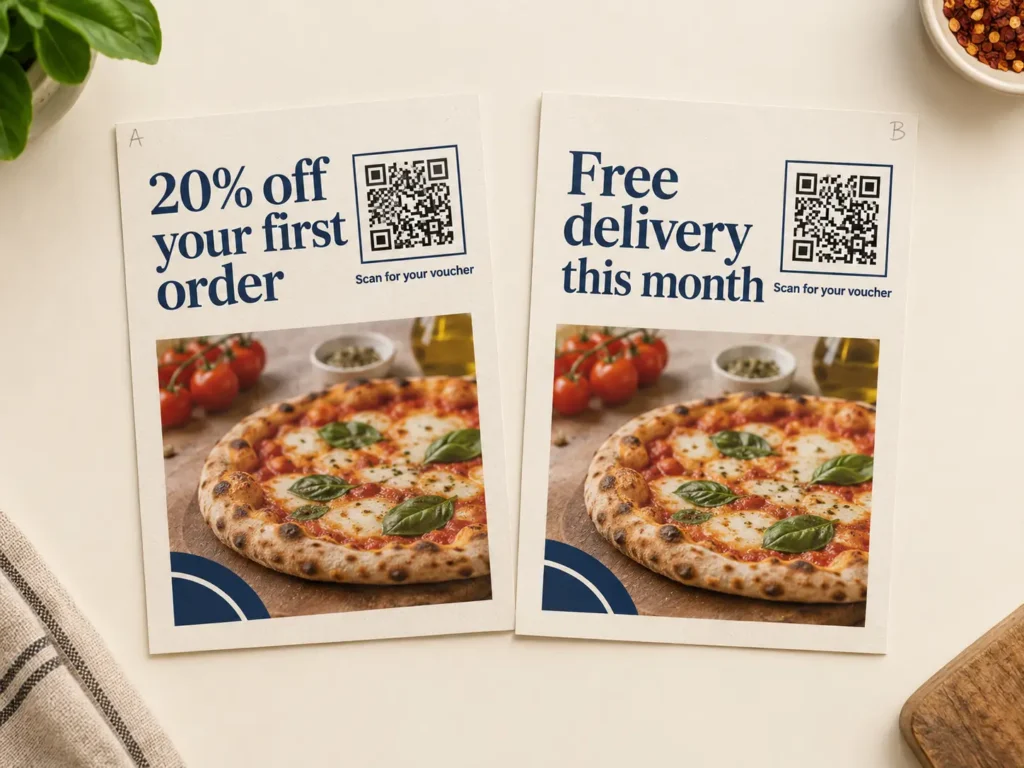
The second failure is that flyers are never compared. Businesses print a flyer, see whether the phone rings more, and print another one with a different headline. With one code on everything, there is no way to tell which headline, which offer or which street did the work. Flyers are the easiest print to test, because a run of a few hundred costs little and goes out in a day. Give every version its own dynamic code, print the same number of each, and the scan counts give you an answer within a week.
When the offer ends and the flyer doesn’t
Every flyer has two lives: the weeks of the offer, and the months it spends in circulation afterwards. Plan both before you print. While the offer runs, the code opens the offer itself. When it ends, the code should open something that is still true, so the people who find the flyer late become customers instead of bounces.
| Flyer | While the offer runs | After it ends |
|---|---|---|
| Sale or discount | The coupon or the sale page | The current offer, or the full shop |
| Grand opening | Opening night details and directions | Opening hours, menu or services page |
| Event or concert | Tickets and the event page | Photos or video, then the next event |
| Seasonal offer or service | This season’s offer | Next season’s offer |
| Launch or pre-order | The pre-order page or trailer | The product page |
| Local services (trades, cleaning) | The booking page or phone number | Usually the same, it rarely expires |
Put the end date on the flyer in words, so nobody expects a discount that has gone, and set a reminder for that date to change the destination. If the offer is a one-time discount code, keep the code itself on the landing page, not in the QR code, so you can switch it off without reprinting. Our guide to the QR code coupon covers how to set one up, and static vs dynamic QR codes explains why only a dynamic code can be moved on. A static code cannot be converted to dynamic later, so decide before the file goes to print.
Testing two flyers against each other
Flyers are the cheapest place to test an idea in print. Change one thing between two versions, such as the headline, the offer or the picture, print the same number of each, and give each version its own QR code pointing at the same page. Hand them out in the same week in similar places, and compare the scans. Do the same for areas: one code per neighbourhood or delivery round shows which streets answer. The dashboard shows scans by city, which is too broad for streets in the same town, so separate codes are the only way to tell neighbourhoods apart.
Compare versions by scans per 1,000 flyers, not by total scans, because the print runs are rarely exactly equal. The figures below are an example of the sum, not results from a real campaign.
| Version (example) | Flyers handed out | Scans | Scans per 1,000 |
|---|---|---|---|
| A: “20% off your first order” | 1,500 | 27 | 18 |
| B: “Free delivery this month” | 1,200 | 36 | 30 |
Version A has a bigger print run but version B earns more scans per flyer, so B is the one to reprint. Give a test at least a week, because flyers are picked up and scanned over several days, and treat a gap of a few scans as noise. Add UTM parameters to each destination so orders and sign-ups show up per version in your web analytics as well, as explained in how QR codes and URL parameters drive marketing ROI. Each version is one dynamic code on your plan. For tracking print that goes out through several channels at once, such as racks, mailings and trade shows, see QR codes on brochures, and trackable QR codes explains what each scan records.
Paper, folds and where to put the code on a flyer
Size is simple on a flyer held in the hand. Scanning distance divided by ten puts the code at 20 mm, and 25 to 30 mm is comfortable on A6, A5 or DL. A flyer pinned to a noticeboard is scanned from a step away, so give it 35 to 40 mm. For anything larger that is read across a room, see QR codes on posters. The bigger risks on a flyer are the paper and what happens to it on the way to the reader.
| Situation | For the QR code | Why it matters |
|---|---|---|
| Light paper, 90 gsm or less | Keep the area behind it light on the reverse | Print on the back shows through and greys out the light modules |
| Posted through letterboxes | Keep it off the centre line where the flyer will be folded | A crease through the code breaks the grid |
| Double-sided flyer | Main code on the offer side, optional second code on the back | Flyers land either side up. Two codes also show which side gets scanned |
| Gloss paper | Test under shop and street light | Gloss reflects lights into the camera at some angles |
| Under windscreen wipers or outdoors | Gloss or coated paper, code away from the edge | Uncoated paper soaks up rain and the edges curl |
| Contrast | Dark code on a light patch | Inverted codes fail on many native camera apps |
Put the code next to the offer, not in a corner by the address, and say what the scan gives: scan for 20% off, scan to book, scan for tickets. A frame with that line, your logo in the centre and your brand colours make the code look like part of the flyer. Save the finished design as a template so next month’s flyer only needs a new headline. The details are in our guides to a call to action QR code and QR code with logo, and file formats are in the guide to print QR codes. For sector ideas, see QR codes for restaurants, QR codes for retail and QR codes for events.
Then test one flyer the way it will travel. Print it at final size on the real paper, fold it the way it will go through a letterbox, unfold it and scan it on two phones, one of them a few years old, in daylight and under a kitchen light. Check the back for show-through by holding it up to a window. If it fails, you have lost one sheet instead of a box of five thousand.
Decide where the code goes next before you print. Then change it on that date.
Headlines, offers and neighbourhoods each get their own code. Compare scans per 1,000.
Keep the code off the letterbox fold, and keep the back light behind it.
Put the code beside what it delivers, with a line saying what the scan gives.