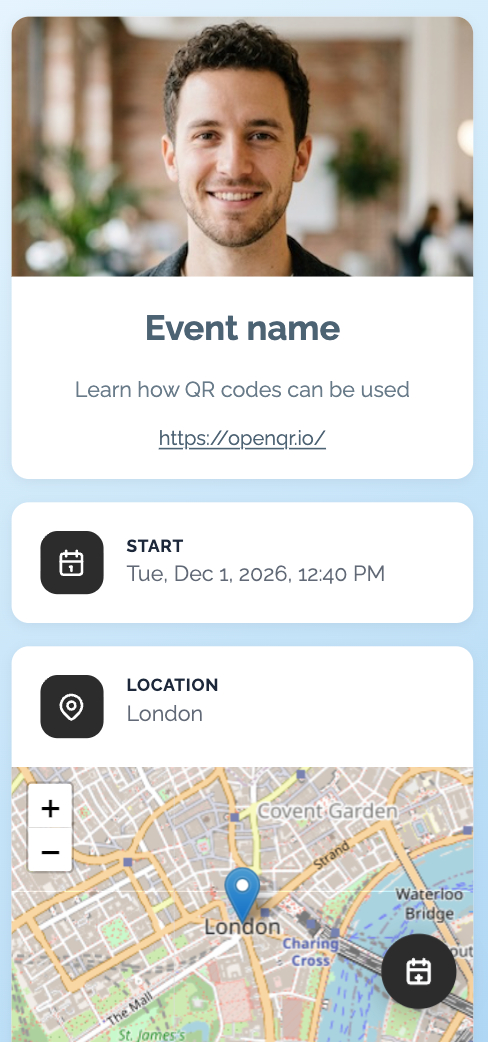
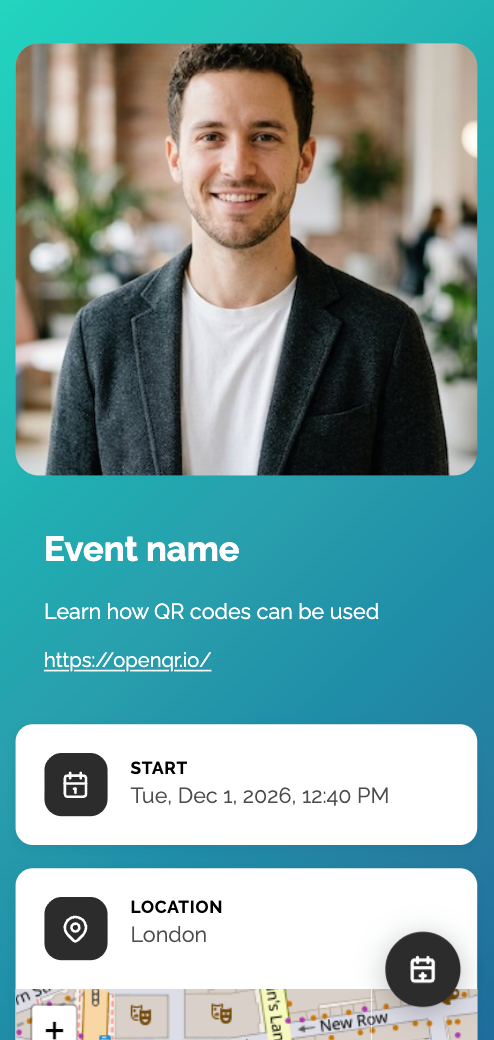
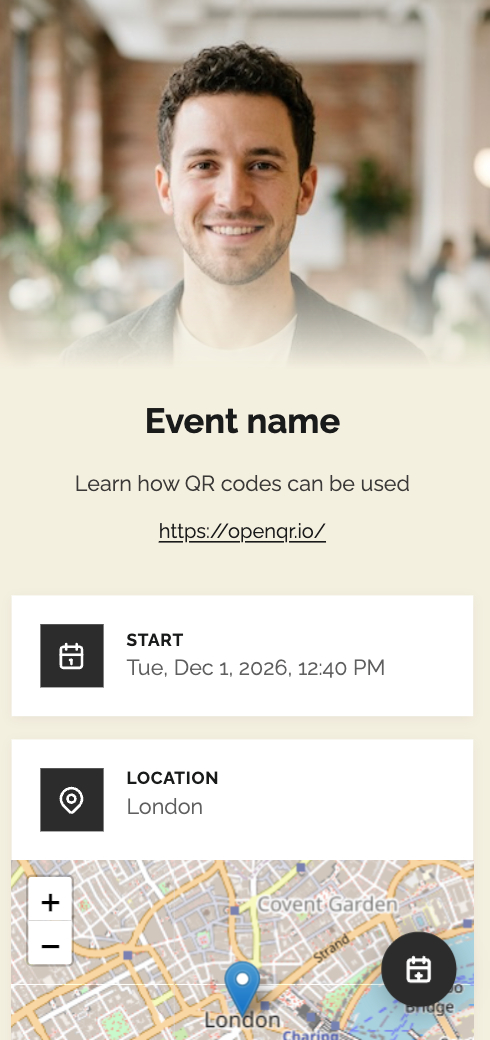
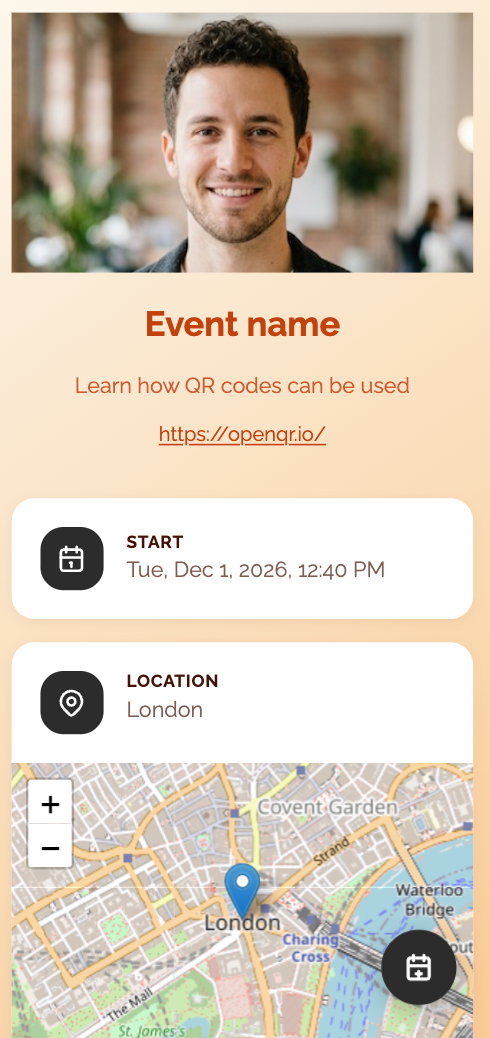
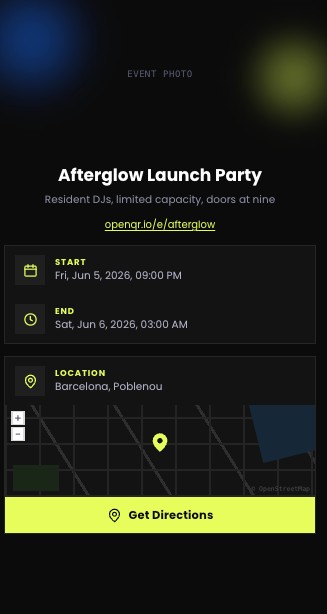
An event QR code generator gets attendees from scan to registration in seconds

An Event QR Code is a scannable code that sends attendees straight to your event page – registration form, ticket link, schedule, venue map, or livestream – without typing a URL or searching for your event online. Instead of printing separate flyers, banners, or signage for every event detail, one QR code becomes the single entry point for everything attendees need: RSVP, tickets, directions, and updates. It’s the fastest way to boost registrations and cut down on last-minute questions at check-in.

With OpenQR, you create a dynamic event QR code that links to your registration page, ticketing platform, or event microsite, then customize it with your brand colors and logo so it matches your invitations, posters, and booth materials. Update the destination anytime – swap in a new venue, a rescheduled date, or a post-event survey – without reprinting a single banner or flyer. Perfect for conferences, trade shows, weddings, concerts, webinars, and any event that needs a fast, trackable way to drive registrations.

Try 14-day FREE trial

No credit card required

Person using smartphone to scan QR code

Create your Event QR code in just 3 easy steps

Get attendees from a scan to a signed-up guest in seconds. Add your event link, style your code, and it’s ready to print. No design or technical skills needed – just add your link, style your code, and share it anywhere. It’s that easy!
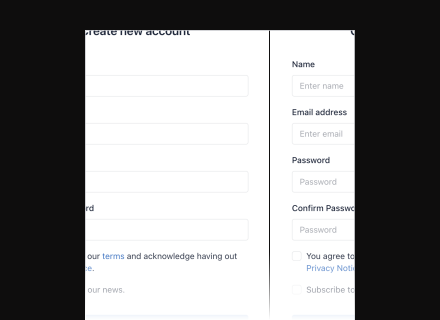
Step 1: Add your event data
1

Add your event data

Paste your registration page, ticketing link, event microsite, or schedule URL – whatever you want attendees to land on first.

Try 14-day FREE trial
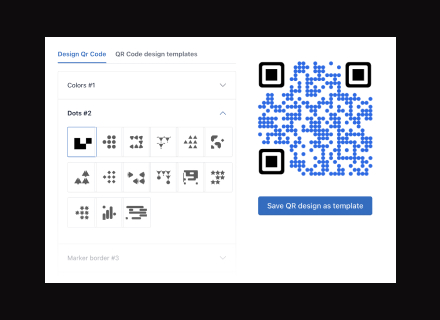
Step 2: Customize for your event's brand
2

Customize for your event's brand

Upload your logo, apply your event colors, and choose a shape so your QR code matches your invitations, posters, and signage.
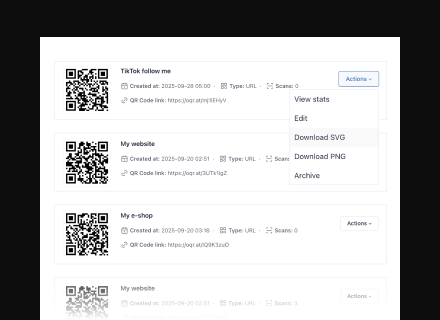
Step 3: Download and share your event QR code
3

Download and share your event QR code

Export your code in high-quality SVG or PNG format, ready for banners, tickets, name badges, or email invites.

How OpenQr helps you

Turn every scan into a registration, check-in, or engaged attendee – tracked in real time.
Track every scan and measure event reach

Track every scan and measure event reach

See exactly when and where your event QR code gets scanned – printed flyers, or venue signage – so you know which channels are driving registrations.

Read more

Make every event QR code on-brand

Make every event QR code on-brand

Add your event colors, logo, and design elements to your QR code so it fits seamlessly on invitations, banners, badges, and booth displays.

Read more
Update event details anytime - even after printing

Update event details anytime – even after printing

Change your registration link, venue, schedule, or ticketing page anytime without reprinting a single flyer, banner, or badge. Perfect for postponed dates, venue changes, or multi-session events.

Read more
Try 14-day FREE trial

No credit card required

What our users are saying

Discover how OpenQR has helped businesses improve their marketing strategies, enhance engagement, and create dynamic, customizable QR Codes.

Sandra M.

Sandra M.

OpenQR has revolutionized the way we engage with our audience. The QR Codes are customizable, and the tracking feature allows us to make data-driven decisions. We've seen a significant increase in our engagement rates since we started using it.

Mark P.

Mark P.

The simplicity of OpenQR is what I love the most. It allows me to create professional-looking QR Codes for our campaigns in minutes. The dynamic QR Codes are a game-changer for keeping our content up-to-date without reprinting.

Laura W.

Laura W.

As a small business, we were looking for a cost-effective way to track our marketing campaigns. OpenQR URL QR Code generator provided an easy solution, and the insights we gained have been invaluable in refining our strategy. Highly recommend it!

Pricing

All new registered users get 14 days free trial to test all the QR code features.

Monthly
Yearly Pay yearly, save more

Starter

$ 5 / per month
Invoiced every month
  • ✓ 10 Dynamic QR codes
  • ✓ Unlimited QR Code scans
  • ✓ No ADS
  • ✓ Scan analytics
  • ✓ CCPA & GDPR Compliant
  • ✓ Life time of QR Codes
  • ✓ API access
  • ✓ PNG & SVG export
  • ✓ Folders
Get started
Best choice

Lite

$ 11 / per month
Invoiced every month
  • ✓ 50 Dynamic QR codes
  • ✓ Unlimited QR Code scans
  • ✓ No ADS
  • ✓ Scan analytics
  • ✓ CCPA & GDPR Compliant
  • ✓ Life time of QR Codes
  • ✓ API access
  • ✓ PNG & SVG export
  • ✓ Folders
Get started

Business

$ 43 / per month
Invoiced every month
  • ✓ 500 Dynamic QR codes
  • ✓ Unlimited QR Code scans
  • ✓ No ADS
  • ✓ Scan analytics
  • ✓ CCPA & GDPR Compliant
  • ✓ Life time of QR Codes
  • ✓ API access
  • ✓ PNG & SVG export
  • ✓ Folders
Get started

Start your FREE trial today

No credit card required. Get started in minutes and create your first dynamic QR code for free.

Try FREE trial

Frequently asked questions

Have questions? We have answers.

Or write to us at: [email protected]

Try FREE trial

No credit card required

An event QR code is a QR code that gives attendees instant access to your event details with a single scan. You can link it to a registration form, ticket purchase page, event website, schedule, livestream, venue map, or post-event survey – whatever fits your event's needs.

Yes. Since it's a dynamic QR code, you can update event information anytime from your OpenQR dashboard – useful for date changes, venue updates, or switching from a registration page to a thank-you page after the event.

Yes. You can see scan counts, locations, devices, and scan timing, so you know which materials and channels are driving the most registrations.

Yes. Add your event's logo, brand colors, and a custom shape so the QR code matches your invitations, banners, and signage.

Common placements include invitations, posters, banners, name badges, table cards, social media posts, email campaigns, and venue entrances for check-in.

No. One dynamic event QR code can be updated between sessions or days to point to the current schedule, room, or link – no need to generate a new code each time.