An app download QR code links to the App Store and Google Play at once
An app download QR code is a single scannable code that covers both stores. One scan opens your branded download page, with an App Store button for iPhone and iPad users and a Google Play button for Android, so nobody has to search your app by name and pick it out of a list of lookalikes. On Android in much of Europe and Asia that store is still called Play Market, and the same button covers it.
The page is yours, not a redirect you never see. Your app icon, name and description sit above the two buttons, so people know they have landed on the right app before they install. It works the same on a laptop as on a phone, which matters more than it sounds: a code on a conference banner gets scanned by people who then finish the install later.
With OpenQR you add both store links to one dynamic QR code, style the code and the page to match your brand, and share it anywhere. Change either link later, after a relaunch, a rebrand or a new listing, and every code already printed keeps working. Scans are unlimited on every plan.
No credit card required

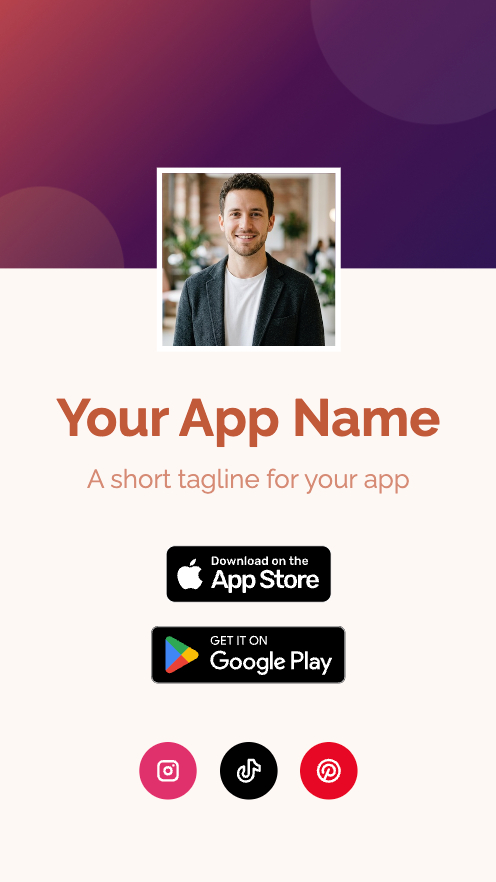
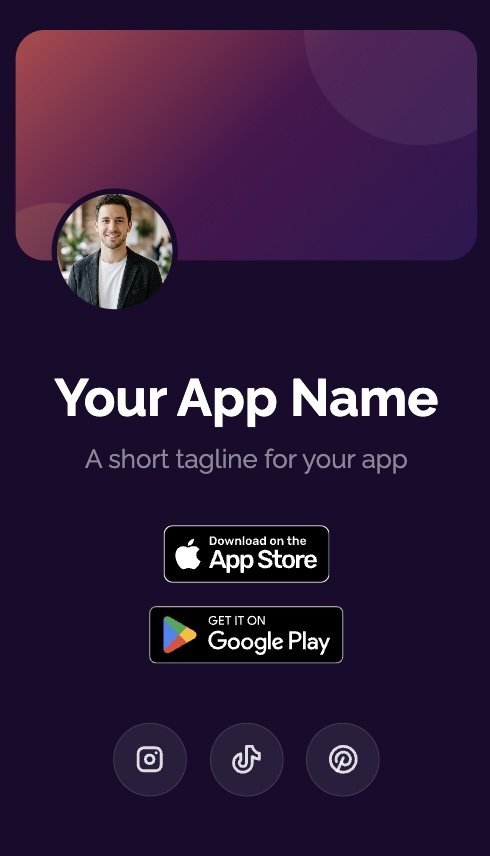
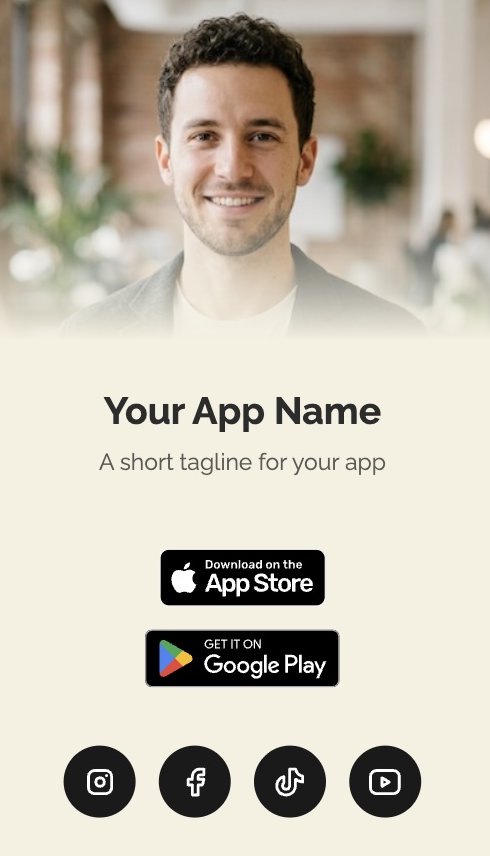
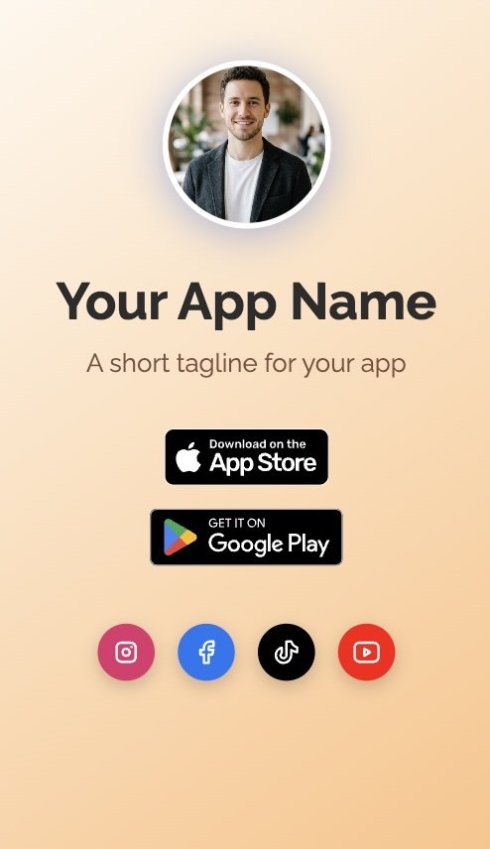
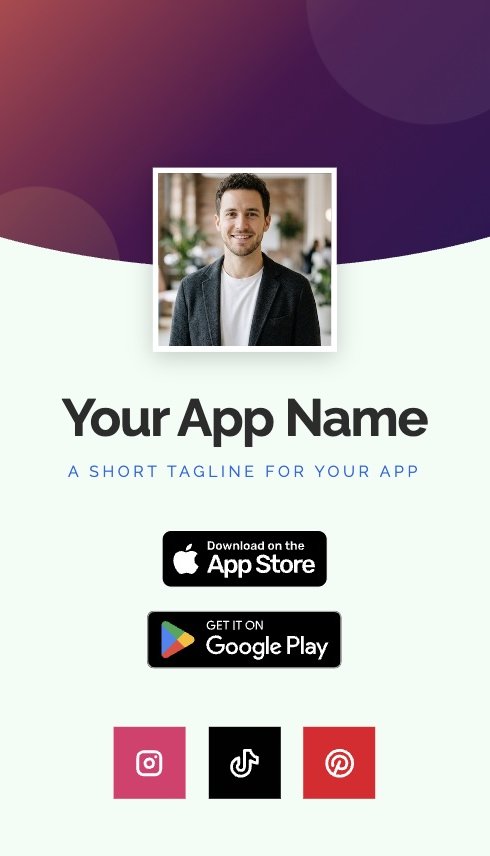
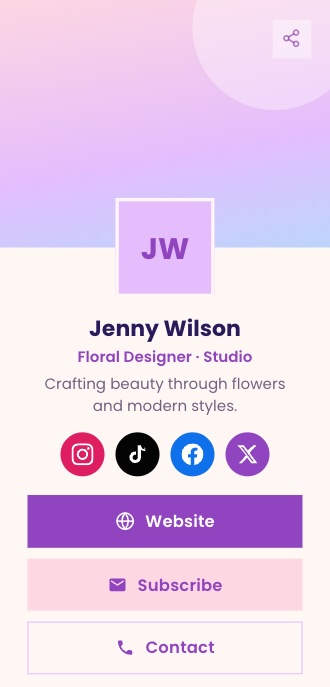
Choose your App Store and Google Play download page style
Every dynamic app download QR code comes with a mobile-friendly download page carrying both store buttons. Pick the layout that fits your app.
No credit card required
Create your App Download QR code in just 3 easy steps
Get people from a scan to an install in seconds. Add your store links, style your code, and it’s ready to share. No app or design experience needed – just add your links, style your code, and share it anywhere. It’s that easy!
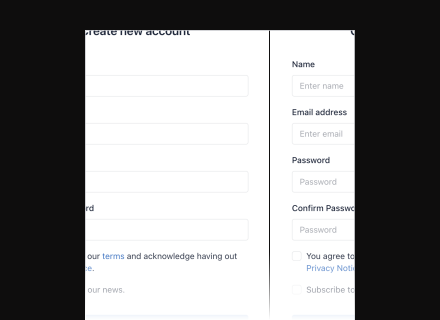
Add your App Store and Google Play links
Enter your app name, icon, and both store links – no need to create separate codes for iOS and Android.
Try 14-day FREE trial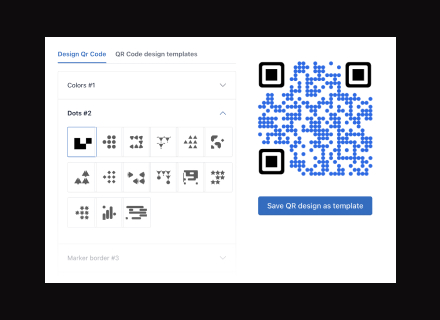
Customize for trust and recognition
Upload your logo, apply your brand colors, and choose a layout so users recognize your app before they even tap download.
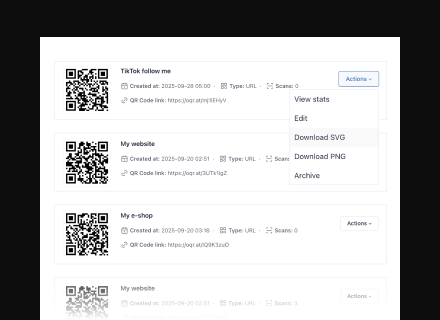
Download and share your app download QR code
Export your code in high-quality SVG or PNG format, ready for packaging, posters, receipts, or event materials.
What people use app download QR codes for
Product packaging
A code on the box that opens the companion app for a device someone just unboxed. Printed in a run of thousands, months before it ships, and still pointing at the current listing after two app updates and a rename.
Trade shows and booths
A code on the banner behind you, scanned by people holding a coffee and a tote bag. They get your page, tap their store, and install on the train home. Scan counts per event tell you which booth was worth the stand fee.
Storefronts and in-store displays
A window decal or shelf talker that turns a passer-by into an install. One code covers both stores, so the decal does not need reprinting when you finally ship the Android build.
Print and digital ads
Magazine pages, bus shelters, TV end-cards and display banners pointing at the same download page. Give each placement its own code and the scan data shows which channel actually drove installs, not which one got impressions.
Receipts and packing slips
A code at the bottom of the receipt for the loyalty or order-tracking app. High intent, near-zero cost, and the destination is editable when you switch loyalty platforms.
Email signatures and decks
A code in your signature or on the last slide of a pitch deck. People scan it off a screen during the call, which is the one moment they are actually willing to install something.
How OpenQr helps you
Turn every scan into an app install – tracked, branded, and always up to date.
One code, both stores
No searching, no picking your app out of a list of lookalikes. One code opens your branded download page, and the visitor taps the App Store or Google Play button for their phone.
Read more
Make every download page uniquely yours
Add your app icon, name, description, and brand colors to the download page, so users recognize and trust your app before they install it.
Read more
Update links anytime – even after printing
Swap your App Store or Google Play link anytime – after an update, relaunch, or rebrand – without reprinting a single QR code.
Read moreNo credit card required