A display is where a shopper stops to decide. It stands at the end of an aisle, by the till or at a trade show stand, and it has a few seconds to answer the question in front of it: is this any good, is it in my size, is there a deal. A QR code on a display can answer all three, but displays have their own traps. Header cards sit above head height, cardboard units are thrown away after six weeks, and a brand that ships displays to fifty stores has no idea which of them were ever put up. Plan the code for the display’s shape and its life, and the size takes care of itself.
The benefits of using QR codes on displays
Displays are built for storytelling, and a printed panel can only tell so much of the story. A QR code on a display opens the rest of it: the video of the product in use, the reviews from people who bought it, the sizes and colours the store does not have on the shelf, the offer that turns a browser into a buyer. People trust other customers more than they trust an advert, so a code that opens real reviews at the moment of decision does more work than another line of copy on the display.
It also makes displays measurable. A display is usually judged by sales in the weeks it stood in the store, which mixes it up with price, season and everything else. Scans are counted per display, by day and city, so you can see which design, which store and which campaign drew attention, and optimise the next round. And because displays are printed in batches and shipped to stores you do not control, a dynamic QR code lets you change what the display opens without collecting a single unit.
What a display QR code has to handle
Shapes with a top, a front and a side
Floor stands, end-of-aisle units and roll-up banners have a header card above the eye line, a main panel at hand height and side panels people walk past. Only one of those is the right place for a code.
Stores you do not control
Brands send displays to retailers and distributors. Some are set up on day one, some stay in the stockroom, some are put up next to the wrong product. The code is the only way the display can report back.
A short life in cardboard
Temporary displays are made of corrugated board and last a few weeks of a campaign. Then they are thrown out, or left standing long after the offer has ended.
Busy, bright surroundings
Shops are full of other signs, spotlights, reflective acrylic and people. The code has to stand out from the clutter and still scan under a spotlight aimed at the product.
QR solutions that work best on a display
Three mistakes that waste a display QR code
Putting the code on the header card
The header is the part designers love: big, bold and on top. It is also above head height, often 1.8 m or more, and scanning it means holding a phone up over your face. Put the code on the main panel between 1 and 1.5 m, where hands and phones already are.
One code on every display in every store
A brand that ships the same display to fifty shops with one code gets one scan count for all of them, and never learns which stores set it up or which locations work. Give each store, or at least each retailer or region, its own code pointing at the same page.
Spotlight on a glossy panel
Displays are lit to make the product shine, and the light also hits the code. Gloss laminate, acrylic fronts and metallic board throw that light straight into the camera. Use matte finish on the code area and check the display under the actual store lighting.
WHAT TO LINK FROM YOUR DISPLAY
One code. Endless ways to use it.
Pick the right QR type for the job – dynamic codes stay editable and trackable for as long as the display stands.
See it working, read the reviews
Link the display to a short video of the product in use and the reviews from real customers. Electronics, kitchen gadgets, beauty and toys sell faster when people see what they do, and the shopper decides at the display instead of leaving to search.
USES: URL QR CODEAn offer to use at the till
Send the scan to a coupon the shopper shows at checkout, or a seasonal discount for a class, a service or a bundle. The display creates the interest and the offer closes it, and the scans show how many people the display stopped.
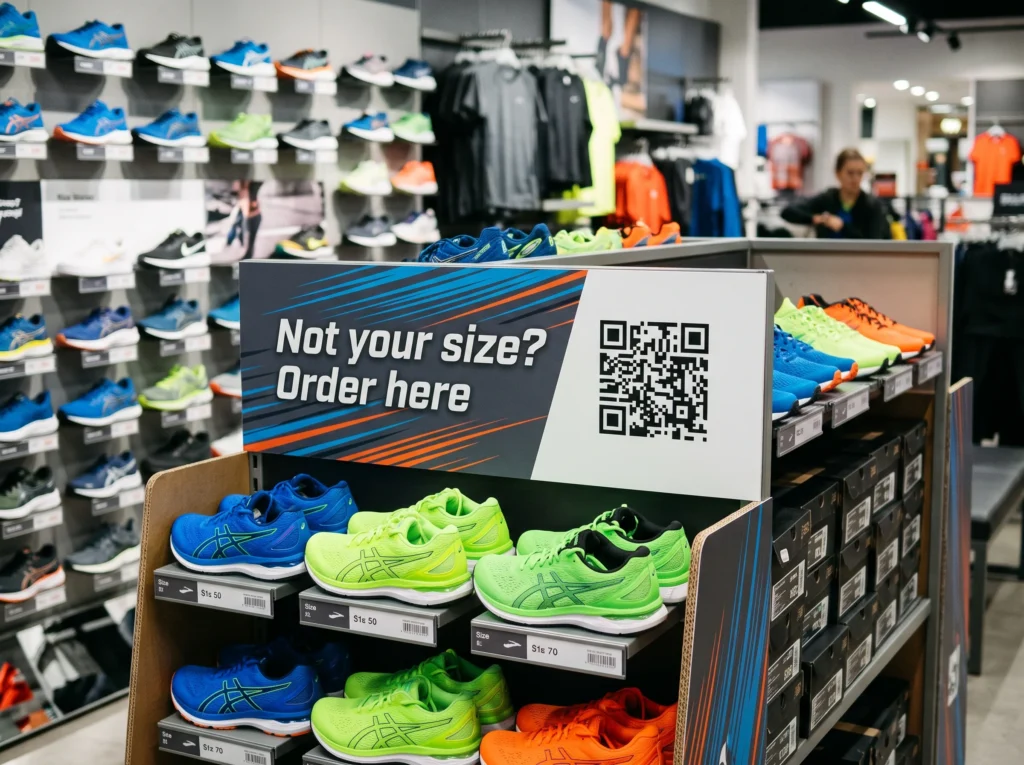
USES: URL QR CODENot in your size? Order it here
Displays show one colour and a few sizes. A code that opens the full range online, with home delivery or click and collect, means an empty hook on the stand no longer sends the customer to a competitor.
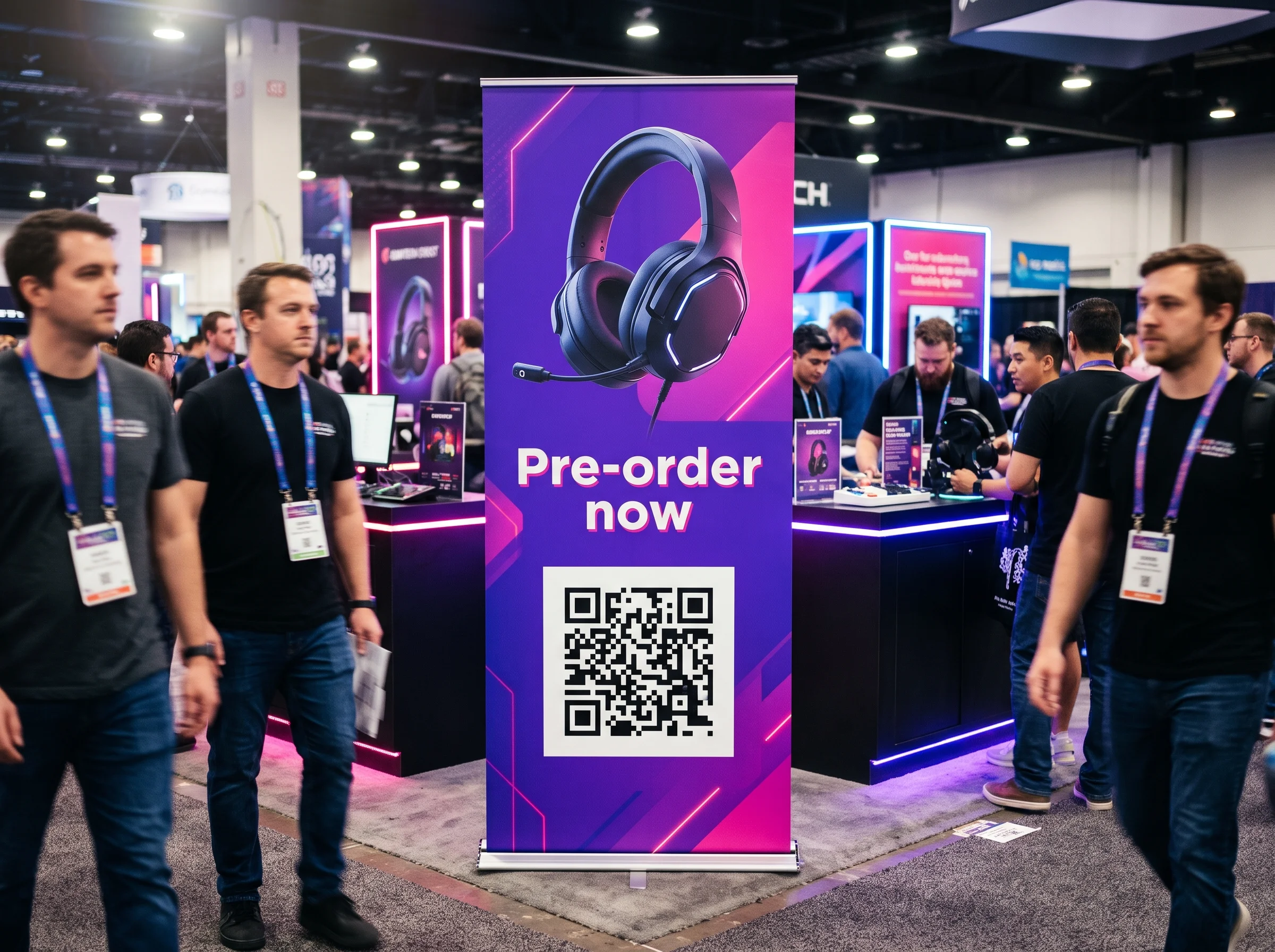
USES: URL QR CODETrade shows and launches
A floor stand or roll-up at a convention or trade show sends visitors to the pre-order page, the product sheet or the demo booking. Change the destination after the show to the launch page, and the banner works at the next event too.
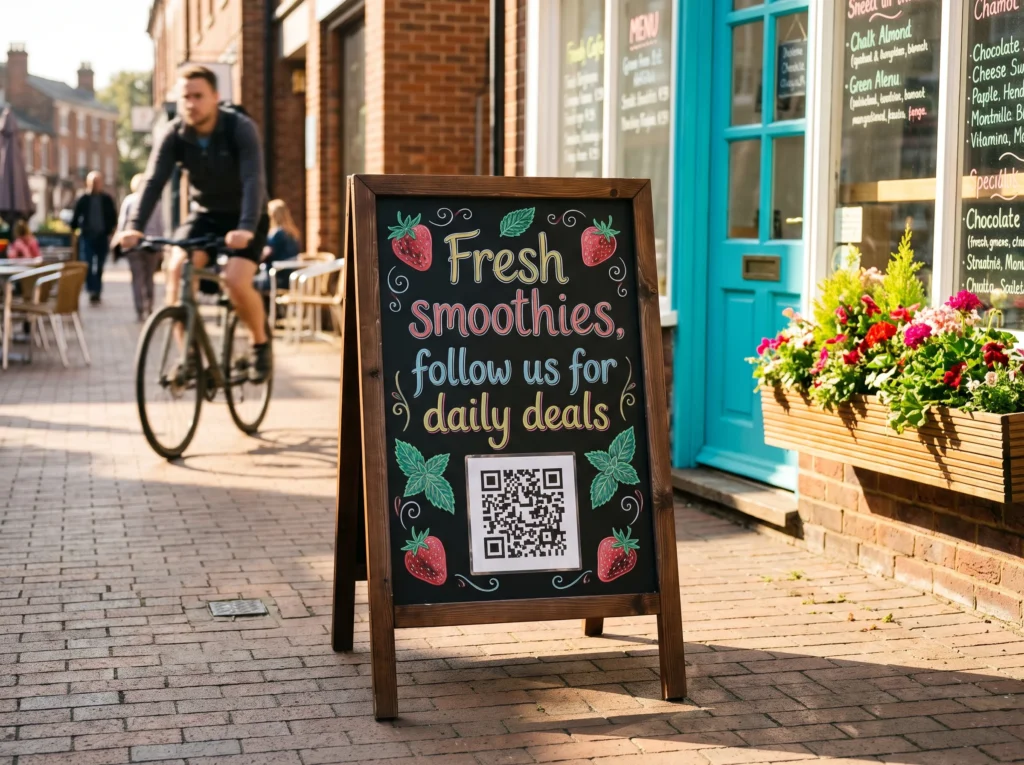
USES: URL QR CODEFollow from the A-board
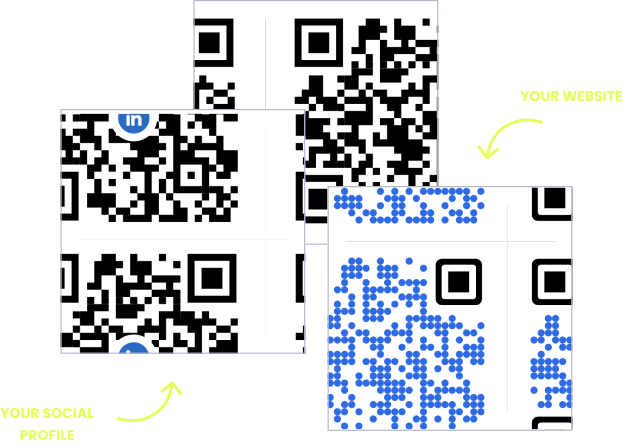
A pavement A-board outside a café, gym or boutique catches people walking past. A social media QR code opens all your profiles on one page, so a passer-by follows today and sees your next offer.
USES: SOCIAL MEDIA QR CODEGet the app at the counter
A counter display by the till or a stand at the entrance turns a shopper into an app user while they wait. One app download QR code opens the right store for iPhone or Android, so loyalty sign-ups happen in the queue.
USES: APP DOWNLOAD QR CODEWITHOUT OPENQR
- Code on the header card, above everyone's head
- One code in every store, so nobody knows which displays went up
- Spotlight glare on a glossy panel
- The campaign ends and the display keeps promoting it
WITH OPENQR
- Code on the main panel between 1 and 1.5 m
- A code per store or region, so silent stores stand out
- Matte finish on the code, checked under the store lights
- Edit the destination when the campaign ends
What goes wrong with QR codes on displays
Displays fail on position first. They are designed as a whole, with the boldest graphics at the top, and the QR code often lands on the header card because that is where the brand wanted attention. But the header is above head height, the side panels are passed at walking speed, and only the main panel at hand height is where someone stands still with a phone. Add spotlights aimed at the product and a glossy finish on the board, and a display seen by every shopper in the aisle produces almost no scans.
The second problem is that displays live in places the brand cannot see. A batch of displays goes to dozens of stores, some are set up, some are not, and some stay up for months after the campaign ends. With one static code on all of them, there is no way to know which stores used the display and no way to stop an expired offer. A dynamic QR code per store, or per region, shows which displays are live and which are silent, and the destination can move from the launch to the next campaign without collecting a single unit.
Which display, and where the code goes
Every display has one panel where people stand still at hand height. Find it before the artwork is designed and put the code there. The size follows from how far away people stand, using the rule of scanning distance divided by ten.
| Display | Where the code goes | Scanned from | Size |
|---|---|---|---|
| Floor stand or end-of-aisle unit | Main panel, 1 to 1.5 m high, not the header | 0.5 to 1 m | 50 to 100 mm |
| Counter display by the till | Front face, angled to the queue | 0.5 m | 40 to 50 mm |
| Pavement A-board | Lower half of the board, facing the walking direction | 1 m | 100 mm |
| Roll-up or pop-up banner | Middle third, at chest height | 1 to 2 m | 100 to 200 mm |
| Wall panel or in-store graphic | Beside the product it describes | 1 to 2 m | 100 to 200 mm |
| Header card | No code, or repeat it lower down | Too high to scan comfortably | – |
| Shelf wobbler or talker | Only if it is rigid and flat | Arm’s length | 25 to 30 mm |
Put a short line next to the code saying what the scan gives: watch the demo, see all sizes, 10% off today. Frame it in the display’s colours with your logo in the centre so it looks like part of the design. For the line itself, see how to write a call to action QR code. Codes on price labels at the shelf edge are covered in QR codes for retail, codes in the shop window in QR codes on shop windows, and stands on restaurant tables in QR codes on table tents. For large banners read from across a hall, the full distance rule is in QR codes on posters.
Displays you send into other people’s stores
A shop’s own display is easy to check: you walk past it. A brand that sends displays to retailers, pharmacies or distributors cannot walk past fifty of them. Give each store its own dynamic QR code, all opening the same page, and name each code after the store. The scans then tell you three things the sales report cannot.
| What the scans show | What it tells you |
|---|---|
| A store with no scans at all | The display may never have been set up. Worth a call to the store |
| Scans that start late | The display went up weeks after the campaign started |
| Scans per store over the campaign | Which locations and retailers are worth a display next time |
| Scans after the campaign end date | Displays still standing, which should now open the next offer |
If one code per store is more than you need, use one per retailer chain or per region. Each code is one dynamic code on your plan. For a large roll-out, the OpenQR API creates the codes from a store list, ready for the printer to place one per display, and you can contact us for a plan sized to the number of stores. Variable printing of a different code on each unit is routine on digital presses. Add UTM parameters to the destination so sales from each store or region also show up in your web analytics, and see trackable QR codes for what each scan records. Brands planning displays alongside packaging can find more in QR codes for consumer goods.
Cardboard for six weeks, a code for longer
Most displays are temporary. Plan what the code opens at each stage of the campaign, including the part nobody plans: the weeks after it ends, when the display is still standing in a corner of the shop.
| Stage | What the code should open |
|---|---|
| Launch | The launch offer, the demo video, the pre-order |
| During the campaign | Reviews, the full range and the offer |
| Stock runs low in a store | Order online, in the size or colour the shopper wants |
| Campaign ends | The next offer or the product page, never an expired coupon |
| Display left standing | Still the product page, so a forgotten display keeps selling |
The material matters for the code too. Corrugated board absorbs ink and softens fine edges, so give a code on raw board a few extra millimetres or print it on a laminated label fixed to the board. Roll-up banners print well on matte polyester and glare on gloss PVC. A-boards outside need a laminate that survives rain and sun, and acrylic sign holders need anti-glare acrylic or the code moved outside the acrylic. File formats and resolution are covered in our guide to print QR codes.
Make every display code dynamic before the run is printed. A static QR code encodes the destination in the pattern, so it cannot be changed once displays are in stores and it cannot be converted to dynamic later. See static vs dynamic QR codes. If the display is a screen rather than print, the code works too, and our guide to digital signage for retail covers screens in store.
Then test one assembled display where it will stand. Build a sample, put it in a real aisle or at the till under the store lighting, and scan the code from where shoppers stand on two phones, one of them a few years old. Walk past at normal pace and check you can see what the code is for. If the spotlight hides it, move the code or the light before the run is printed.
Put the code between 1 and 1.5 m, where people stand still with a phone.
Silent stores show which displays never went up. Name each code after the store.
Gloss, acrylic and metallic board glare. Check the code under the store lights.
When the offer ends, the code moves on. A forgotten display keeps selling.