A QR code behaves differently on every surface you print it on. On a wine bottle it curves. On a business card it has about 20mm to work with. On corrugated cardboard it fights ink bleed. The same design that scans perfectly on a flyer can fail on glossy packaging, and you usually find out after the print run is paid for.
These guides cover the materials QR codes actually get printed on, with the minimum size, contrast and quiet zone each one needs, plus examples you can copy. Every code here is a dynamic QR code you can edit after printing, so a wrong link or an outdated menu becomes a dashboard change instead of a reprint. Before you send anything to print, check the QR code best practices and the print guide.
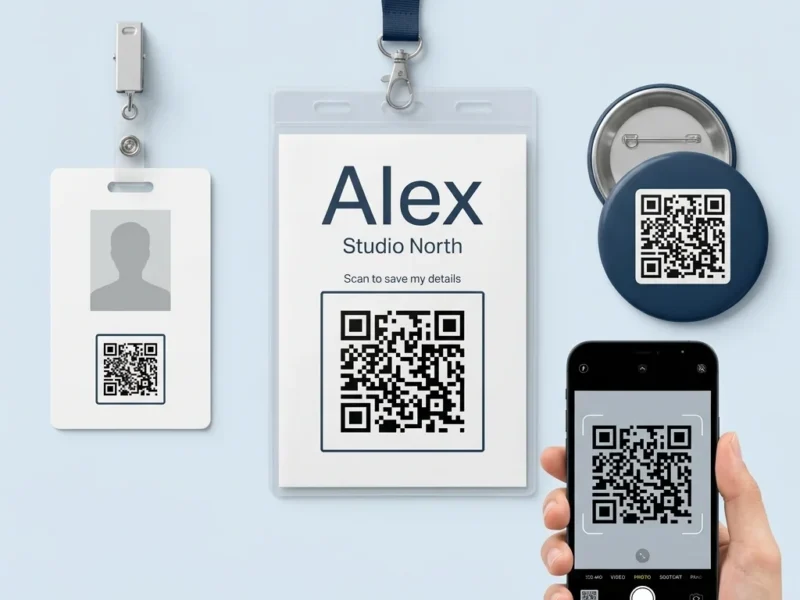
QR Codes on Badges
A badge is the one piece of print that is worn by a person, scanned by strangers and carries that person's name. That changes the...
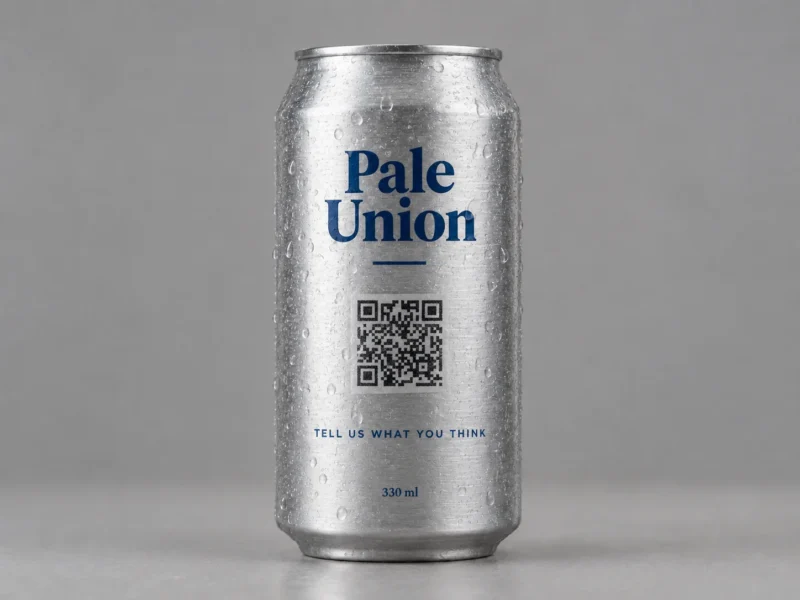
QR Codes on Bottles and Cans
A QR code is a square, and a bottle is not flat. Wrap a QR code round a cylinder and the scanner stops seeing even...
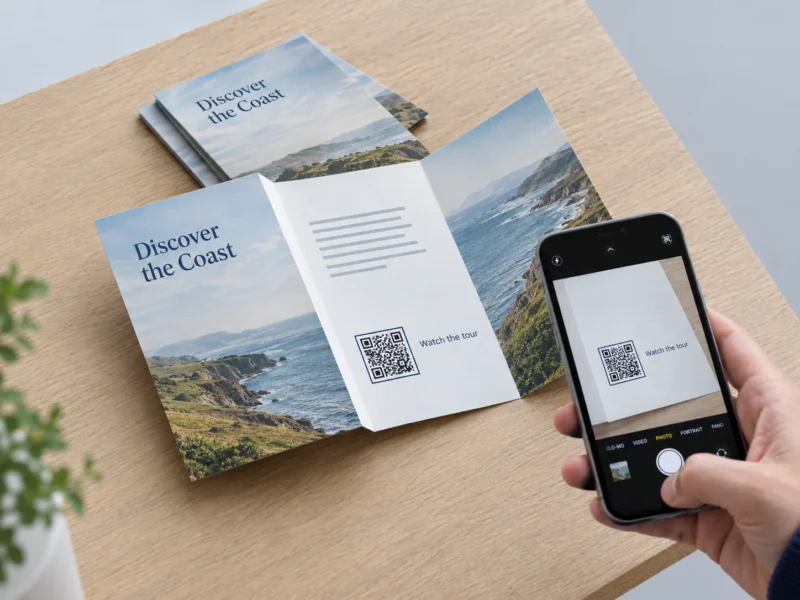
QR Codes on Brochures
A brochure is printed in thousands, folded, and then sent to racks, stands, letterboxes and sales meetings for the next year or more. Two things...
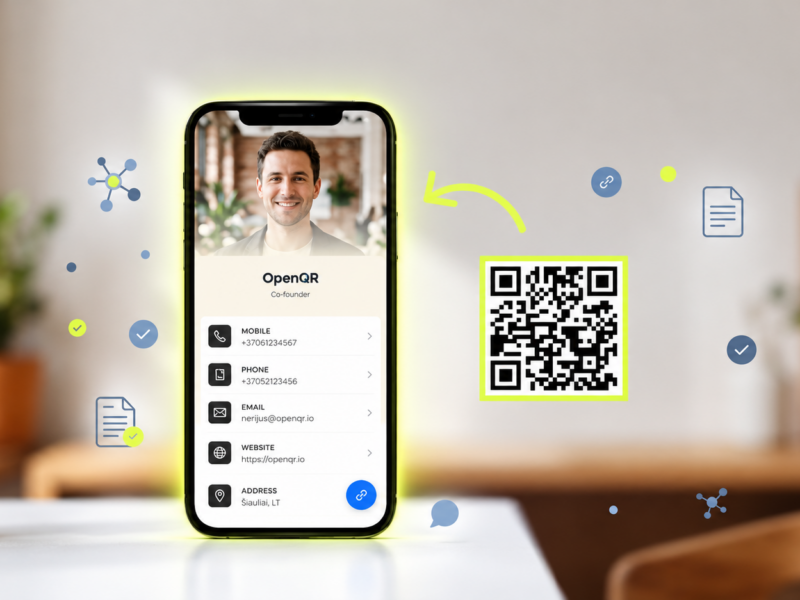
QR Codes on Business Cards
A business card gives you about 85 x 55 mm to work with, and a QR code has to earn its place inside it. Too...
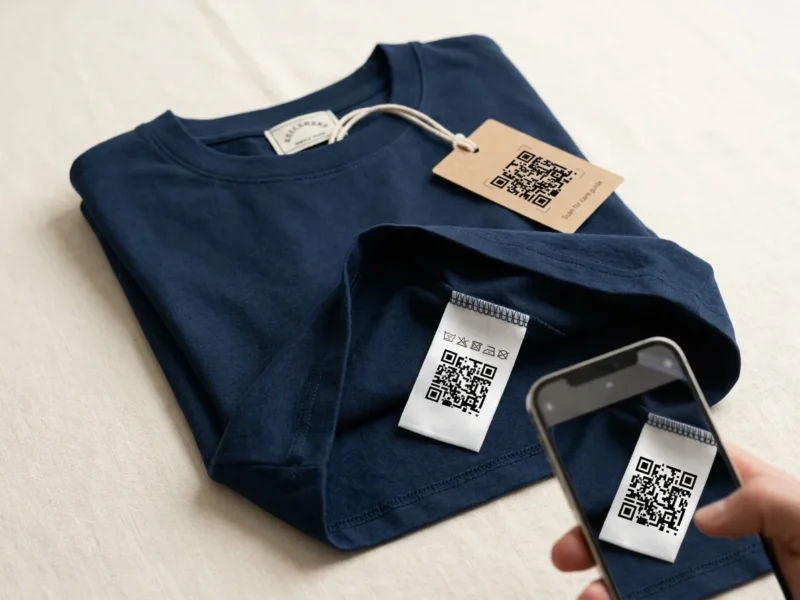
QR Codes on Clothing
A garment has no single place to print on. The same QR code can go on a card hang tag, a printed care label, a woven neck label or...
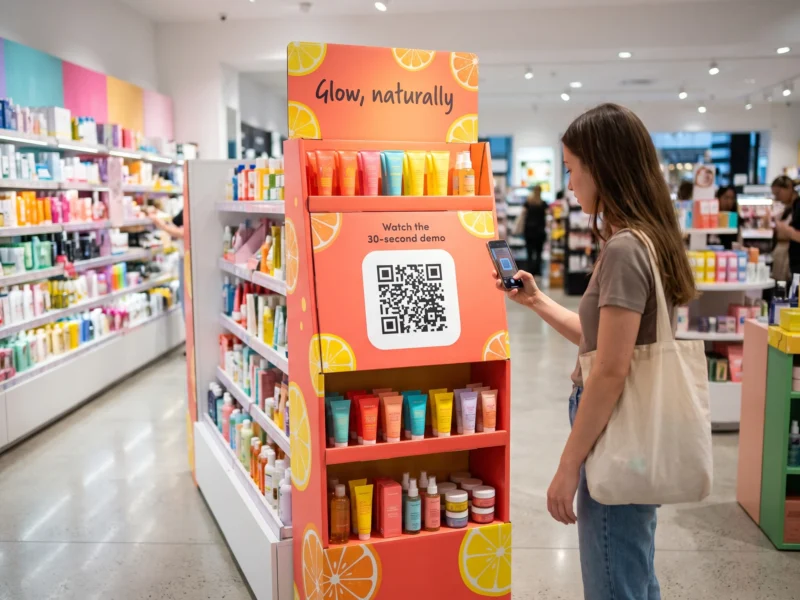
QR Codes on Displays
A display is where a shopper stops to decide. It stands at the end of an aisle, by the till or at a trade show...
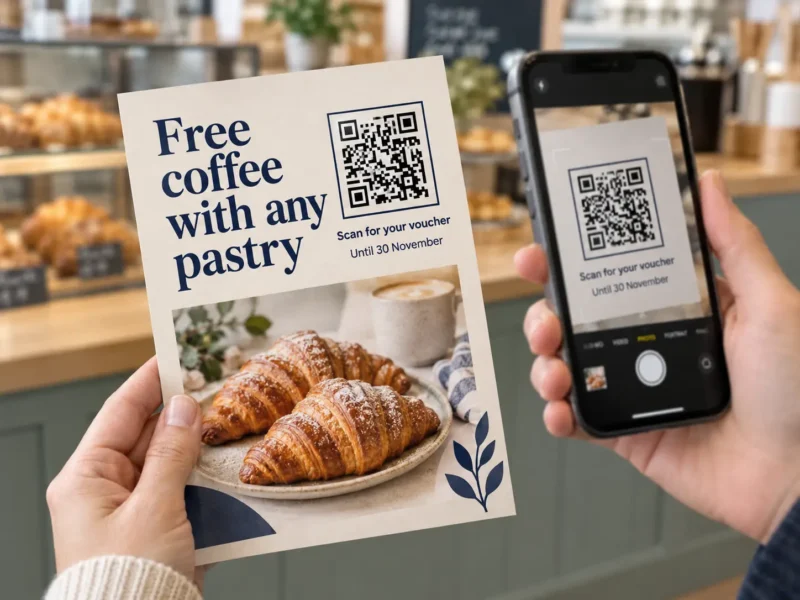
QR Codes on Flyers
A flyer is the cheapest piece of print a business makes and the one it makes most often. It goes through letterboxes, under windscreen wipers,...
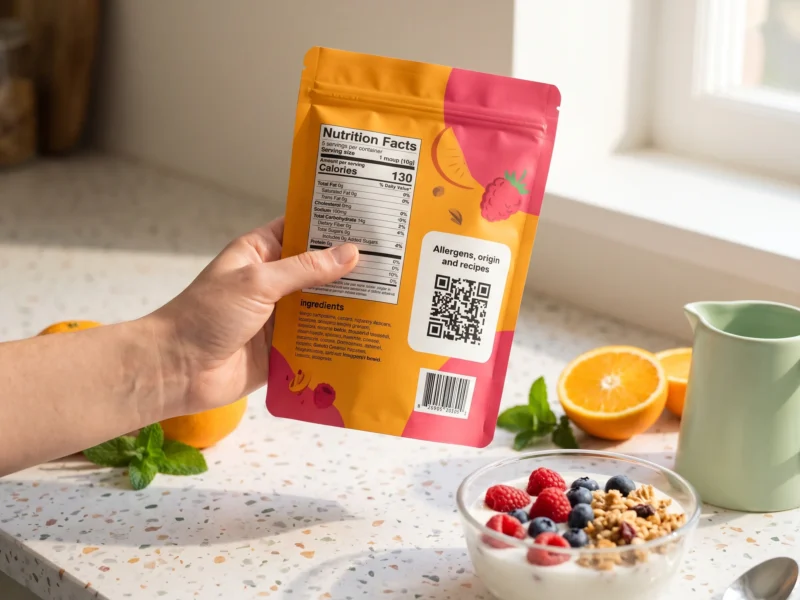
QR Codes on Food Packaging
Food packaging is the one pack where the law already decides most of what is printed, the information changes by batch, and the pack itself...
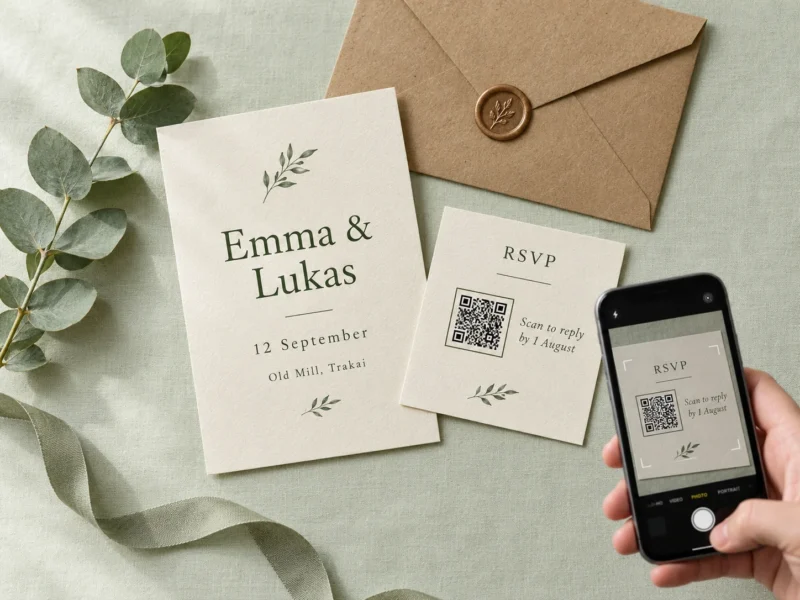
QR Codes on Invitations
An invitation is posted weeks or months before the day, and plenty can change in between. The venue moves the start time, the hotel block...
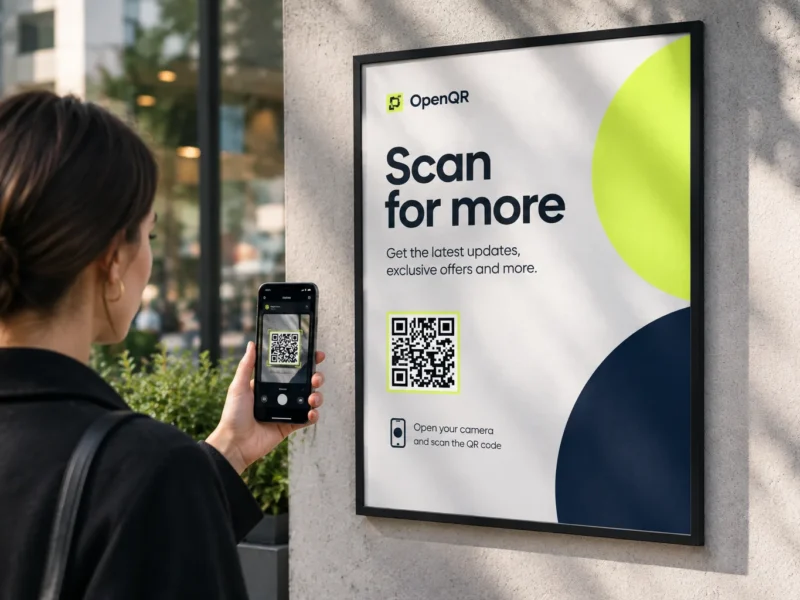
QR Codes on Posters
A poster is read from across a room and scanned from a step away, and those two distances are not the same number. Almost every...
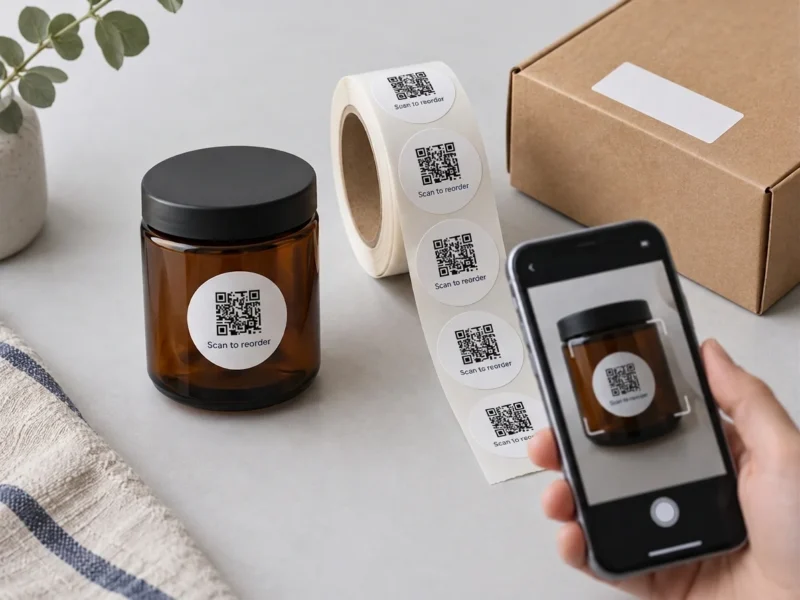
QR Codes on Stickers and Labels
A sticker is the one print surface you size before you know what goes on it. The roll comes in 25, 30 or 40 mm,...
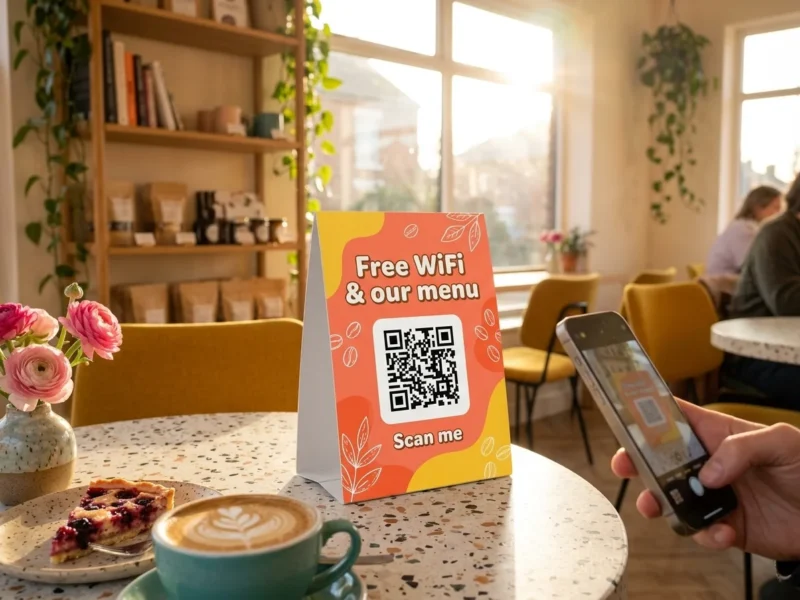
QR Codes on Table Tents
A table tent sits in front of a seated guest for an hour or more, which makes it the easiest QR code in the room...
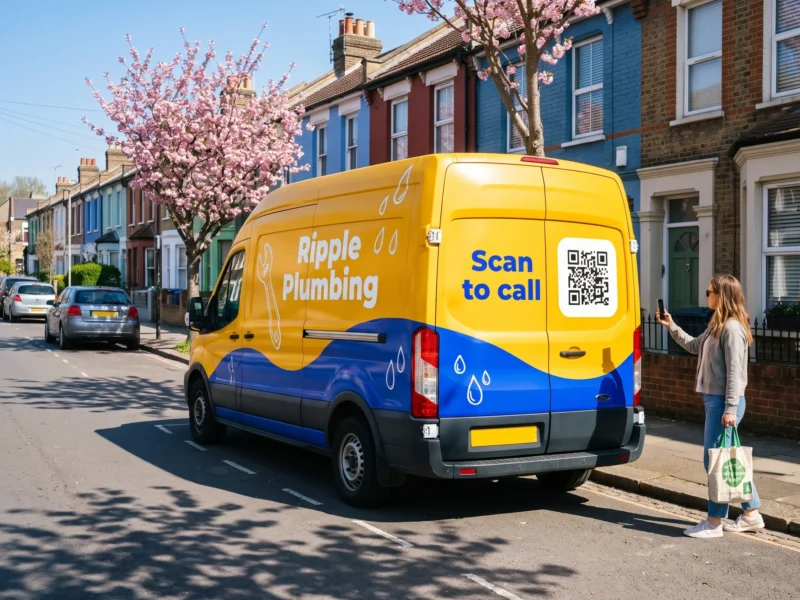
QR Codes on Vehicles
A branded van is seen by thousands of people a day, and almost none of them can scan it. Most are driving, the van is...
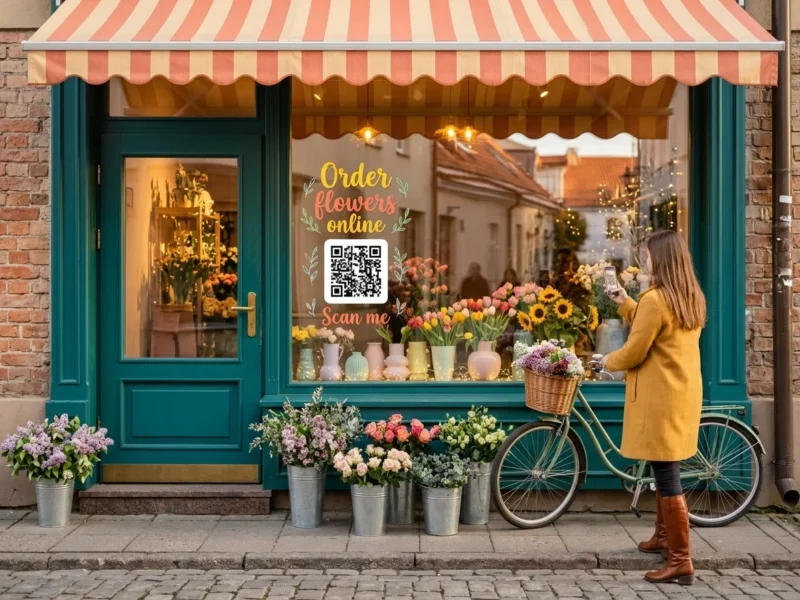
QR Codes on Windows
A shop window is the only QR code a business has that is read through a sheet of glass, from the pavement, by people who...
What our users are saying
Discover how OpenQR has helped businesses improve their marketing strategies, enhance engagement, and create dynamic, customizable QR Codes.
Sandra M.
OpenQR has revolutionized the way we engage with our audience. The QR Codes are customizable, and the tracking feature allows us to make data-driven decisions. We've seen a significant increase in our engagement rates since we started using it.
Mark P.
The simplicity of OpenQR is what I love the most. It allows me to create professional-looking QR Codes for our campaigns in minutes. The dynamic QR Codes are a game-changer for keeping our content up-to-date without reprinting.
Laura W.
As a small business, we were looking for a cost-effective way to track our marketing campaigns. OpenQR URL QR Code generator provided an easy solution, and the insights we gained have been invaluable in refining our strategy. Highly recommend it!
Pricing
All new registered users get 14 days free trial to test all the QR code features.
Dynamic QR codes redirect to a URL that you can change anytime. The QR code itself stays the same, but the destination can be updated without reprinting.
OpenQR supports PNG, SVG, and PDF formats. PNG works best for websites and emails, SVG is ideal for scalability and print materials, and PDF is perfect also for high-quality printing. All formats are optimized for both digital and print use without quality loss.
Yes. Dynamic QR codes include built-in analytics so you can track every scan in almost real time. Your dashboard shows total scan count, geographic location where scans occurred, and the device type used (mobile, desktop, tablet). This helps you measure campaign performance and understand your audience.
Static QR codes never expire and always work without any changes. Dynamic QR codes also never expire. If your trial or subscription ends, they will continue to work, but a short 3-second OpenQR branding screen will appear before redirecting to your destination.
No, our QR codes have no scanning limit.
Create a dynamic QR code through OpenQR's simple 3-step process. Dynamic QR codes let you change the destination URL or linked content anytime through your dashboard—the QR code itself never changes, so you never need to reprint. Perfect for campaigns where you need flexibility.