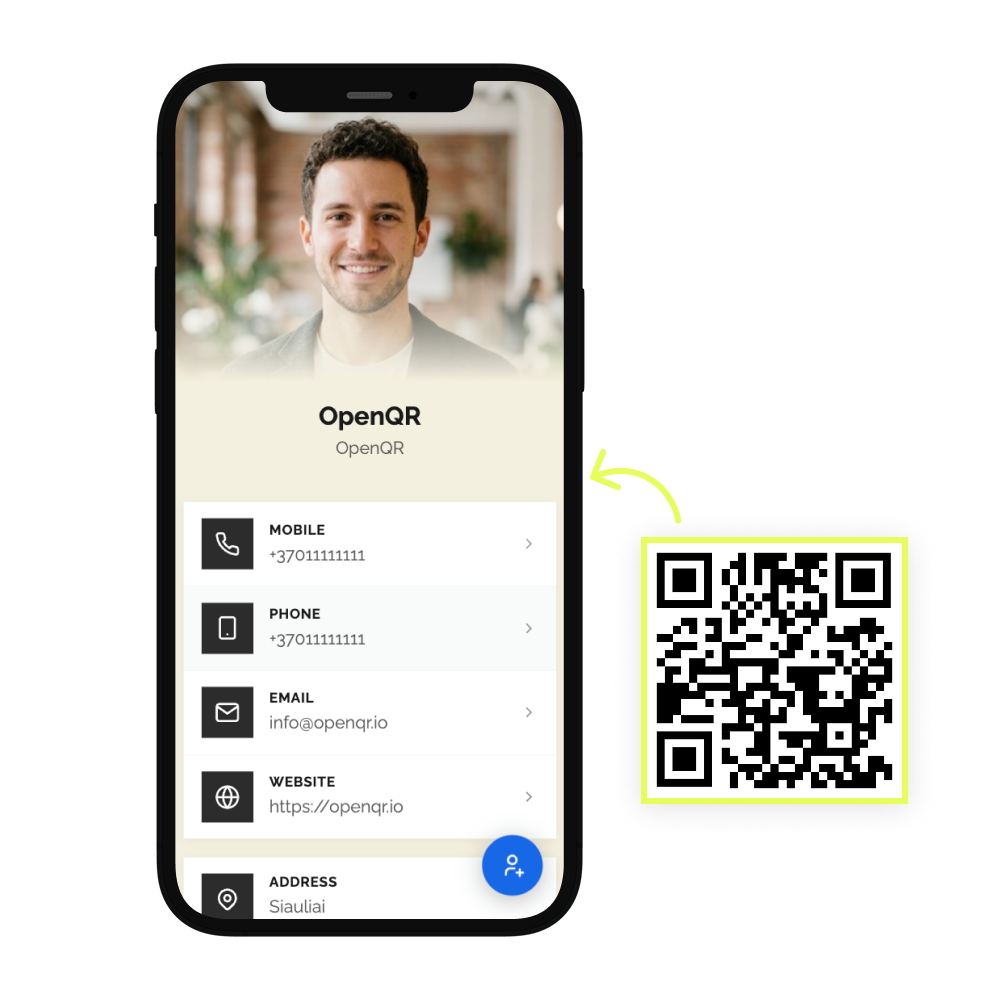
A business card gives you about 85 x 55 mm to work with, and a QR code has to earn its place inside it. Too small and phones give up. Too close to the trim line and the guillotine takes a bite out of it. Get the size and contrast right and one scan hands over your details, your portfolio or your booking page.

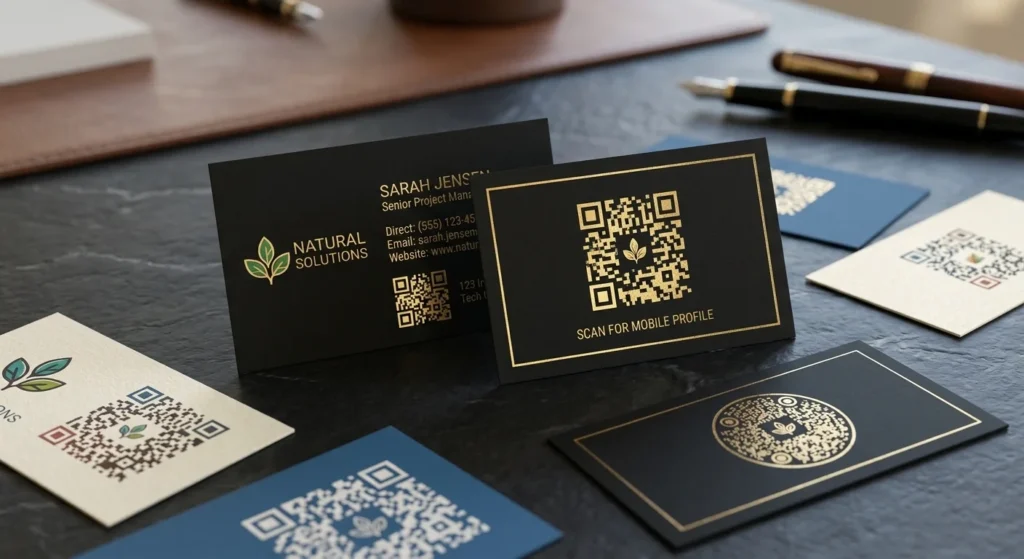
The benefits of using QR codes on business cards
Business cards are still how most first meetings end. The problem is what happens next. The card goes in a pocket, then a drawer, and the details never reach anyone’s phone. Nobody types a phone number off a card any more.
A QR code closes that gap. One scan saves your contact details, opens the work you want them to see, or drops them on a booking page while they are still standing in front of you. And because the QR code is dynamic, the card you print today is not locked to the job title you have today.
What a business card QR code has to handle
Saved, not retyped
A vCard QR code writes your name, phone, email and company straight into their contacts app. No typing, no typos, no card lost in a coat pocket.
Your work, not just your job title
A card has room for a title. A scan has room for a portfolio, a price list, a showreel, or a fifteen page PDF you never had to host anywhere.
Details that change
New number, new role, new company. Change the destination from your dashboard and every business card already in circulation follows. No reprint, no reorder.
Proof it is working
Every scan is counted with time, city, and device, so you know whether the cards you handed out at that conference did anything. GDPR compliant, no IP addresses stored.
QR solutions that work best on a business card
Three print mistakes that stop a business card QR code scanning
Pushing it into the corner
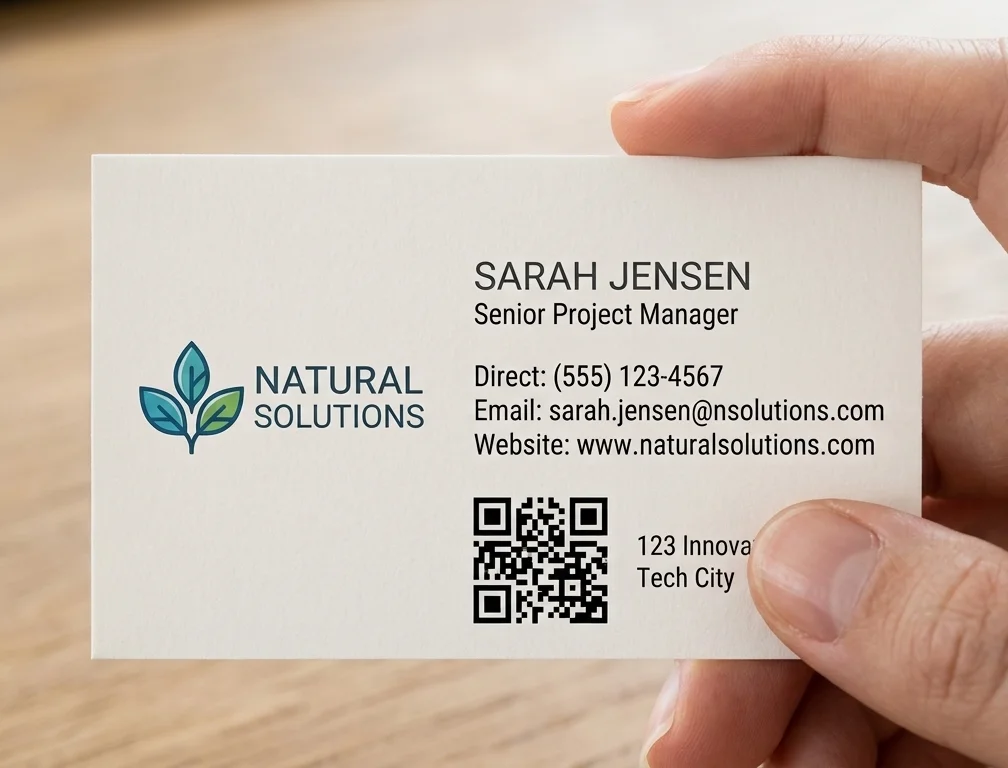
The corner is where the QR code goes when the layout runs out of room, and it is the worst place for it. Trim variance eats the quiet zone first. Give the QR code 5 mm of clearance on every side or move something else off the card.
Skipping the printed proof
A QR code that scans on your monitor proves nothing. Print a single business card on the actual stock, with the actual finish, and scan it the way it will be scanned: dim restaurant light, held at arm’s length, on the cheapest phone in the office.
Putting two codes on one card
Two QR codes on one business card mean the person reads both and scans neither. Pick the single action you want and label it. Scan to save my contact outperforms a bare code, because an unlabelled code asks people to gamble on where it goes.
WHAT TO LINK FROM YOUR BUSINESS CARD
One code. Endless ways to use it.
Pick the right QR type for the job – every one is dynamic, trackable, and editable long after the cards are printed.
Contact details saved in one tap
A vCard QR code writes name, phone, email, company and website straight into their contacts app. It is the default choice for a business card, and the only option that survives the card going in a drawer.
USES: VCARD QR CODEA booking page instead of phone tag
Send people straight to your calendar, product page, or profile. If you change booking tools or rebuild the site, swap the destination in the dashboard and every printed card keeps working.
USES: URL QR CODEYour portfolio without a website
Upload a portfolio, CV, price list or catalogue as a PDF and OpenQR hosts it. The card carries a link to real work instead of a job title, and you can replace the file whenever the work changes.
USES: PDF QR CODEAn enquiry that writes itself
An email QR code opens a new message addressed to you with the subject line already filled in. Useful when the next step is a written enquiry and you want it to land in a thread you can find later.
USES: EMAIL QR CODEA call, not a saved number
A phone QR code loads your number into the dialler ready to press. Good for trades, services and anyone whose next step is a call rather than an email thread.
USES: PHONE QR CODEWITHOUT OPENQR
- 85 x 55 mm, and most of it already spent on a name and a number
- A box of 500 goes out of date the day your phone number changes
- The card gets pocketed and the details never reach a phone
- Gloss lamination puts glare across the QR code you paid to print
WITH OPENQR
- Portfolio, calendar and contact behind 25 mm of printed square
- Change the destination, the box already handed out keeps working
- One scan saves your details, nothing typed
- Matte finish, correct size, proofed before the run
What goes wrong with QR codes on business cards
Most QR codes on business cards fail for physical reasons rather than strategic ones. The card is 85 x 55 mm, and the name, title, phone, email and logo have already claimed most of it, so the QR code gets shrunk below 20 mm or pushed hard against the trim edge where the guillotine eats into its quiet zone. Then the finish finishes it off. Gloss lamination and spot UV throw glare straight into the camera lens, and a QR code that scanned perfectly on the proof PDF stops scanning on the printed card.
The second failure is slower. Cards are ordered in boxes of 250 or 500, because that is where the price per card stops hurting, so the printed side of the business card is locked for a year or more while your number, your title and sometimes your company keep moving. A dynamic QR code separates the two. The printed square stays fixed at 22 to 25 mm on matte stock, and the destination behind it stays editable from your dashboard for as long as the box lasts.
QR code size and print specs for business cards
The working rule is scan distance divided by ten, and a business card is read at arm’s length. That points at 15 to 20 mm, but take the top of the range: a dense QR code holding a full static vCard needs more room than a short dynamic link, and older phone cameras need more again.
20 mm is the floor. 22 to 25 mm is where you want to be.
| Spec | Business card | Why it matters |
|---|---|---|
| Minimum QR code size | 20 x 20 mm | Below this, dense codes and older cameras start to fail |
| Comfortable size | 22 to 25 mm | Room for a centre logo and more encoded data |
| Quiet zone | 4 modules, about 2 to 3 mm | Scanners need clear space to find the edges of the QR code |
| Distance from trim edge | 5 mm minimum | Guillotine tolerance shifts 1 to 2 mm between cards |
| Total footprint | 26 to 31 mm square | QR code plus quiet zone, on a card only 55 mm tall |
| Contrast | Dark QR code, light background | Inverted codes fail on many native camera apps |
| File format | SVG, EPS or PDF | Vector stays sharp at any size. A 72 DPI PNG will not |
| Raster fallback | 300 DPI minimum | Only if your printer refuses vector files |
| Error correction | M, or H with a centre logo | H recovers about 30 percent, which is what a logo covers |
| Finish | Matte or soft touch | Gloss lamination and spot UV throw glare into the camera |
Do the arithmetic before you open the design file. A 25 mm code with its quiet zone occupies a 31 mm square, and it has to sit 5 mm clear of the trim. On an 85 x 55 mm card that is more than half the height of the card gone. Design around the code, not the other way round. Our QR code best practices guide covers sizing for other materials.
Where to put the QR code on a business card
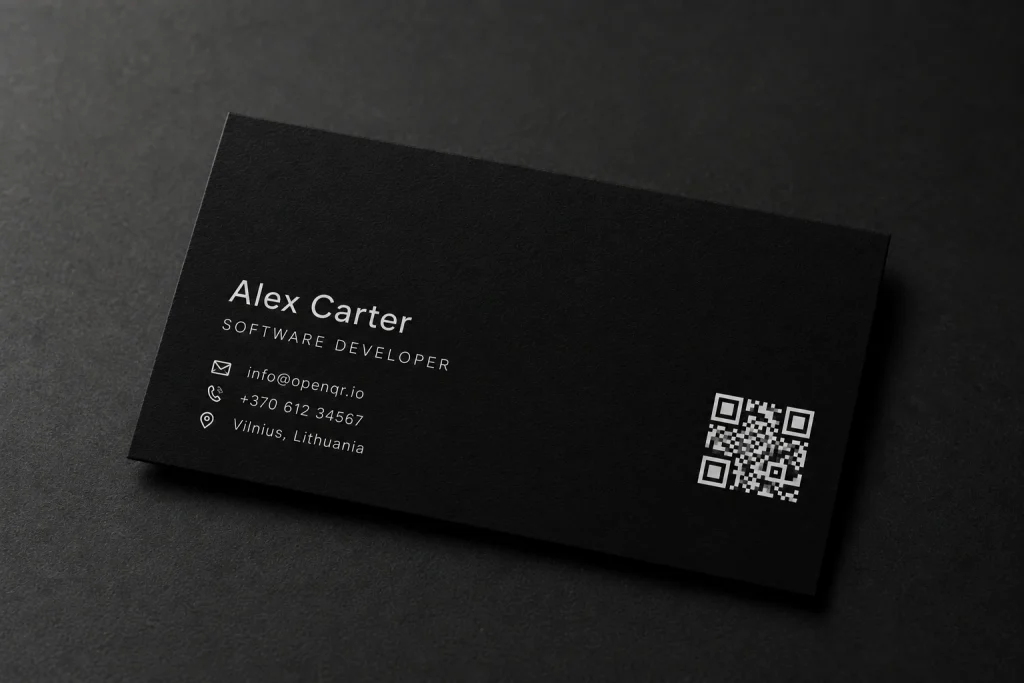
The back of the card is usually the right answer, because it is the side with space and the side people turn over anyway. On the front, the QR code competes with the logo and the name for the same 85 x 55 mm and normally loses. Wherever it goes, keep 5 mm between the QR code and every trim edge, keep the quiet zone free of rules, gradients and background photography, and put a short line of text beside it. Scan to save my contact converts better than a bare square, because an unlabelled QR code on a business card asks people to gamble on where it leads.
Make the code dynamic before you place it. A static QR code has the destination encoded in the pattern itself, so changing it means generating a different QR code and reprinting the box. It also produces a denser grid, which is the last thing you want when you are fitting a readable QR code into 25 mm. Our static vs dynamic QR code comparison covers the difference in full.
What the code points at depends on your line of work: see real estate, creators and wellness and spas for how each uses them.
Then do the one step people skip. Print a single proof on the real stock, with the real finish, and scan it on two phones in bad light before the run goes ahead. A QR code that fails on a 500 card order fails 500 times. For the longer version, including which QR type suits which profession, read our complete guide to QR codes for business cards.
Go to 22 to 25 mm, keep 2 to 3 mm of quiet zone, and stay 5 mm clear of the trim edge.
SVG, EPS or PDF stays sharp at any size. A 72 DPI PNG will soften and stop scanning.
Gloss lamination and spot UV throw glare straight into the camera. Matte and soft touch scan reliably.
The printed side stays fixed. Change the destination from the dashboard and the whole box follows.