A QR code is a square, and a bottle is not flat. Wrap a QR code round a cylinder and the scanner stops seeing even module spacing, which is the one thing it needs. On a wine bottle you have room to get away with it. On a slim can you do not. The number that decides it is the diameter of the container, and almost nobody checks it before the labels are printed.
The benefits of using QR codes on bottles and cans
A drinks label is the most crowded piece of print in retail. Alcohol content, volume, allergens, energy value, bottler, lot number, importer, deposit marks and often three languages, all on a curved surface a few centimetres wide. A QR code on a bottle or can takes everything that does not legally have to be printed and moves it to a page you control, which buys back the only thing a label never has: space.
It is also the only part of the bottle that can change after it ships. Labels print in runs of tens of thousands and then sit in a warehouse for a year. A dynamic QR code keeps the artwork fixed and the page behind it live, so a new vintage, a corrected ingredient list or a different campaign does not mean pulping the label stock.
What a bottle or can QR code has to survive
The curve itself
Wrapped round a cylinder, a QR code stops presenting as a square. How much a QR code can get away with depends entirely on the diameter of the container, and slim cans run out of room before the code reaches its readable minimum.
Cold, wet and handled
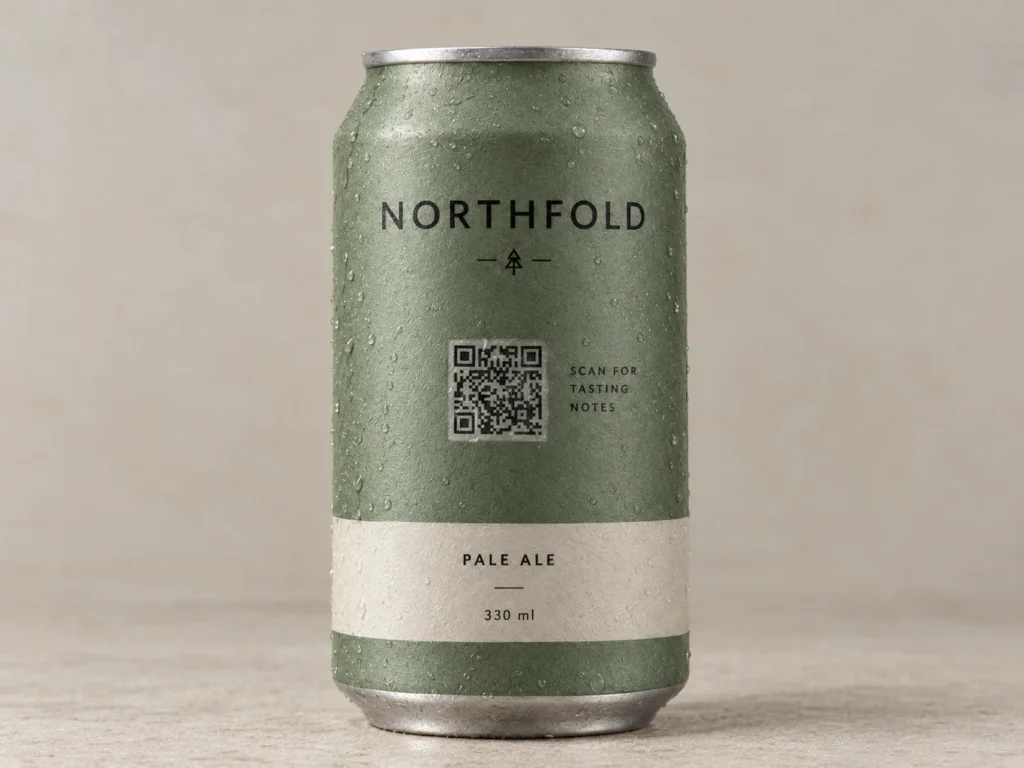
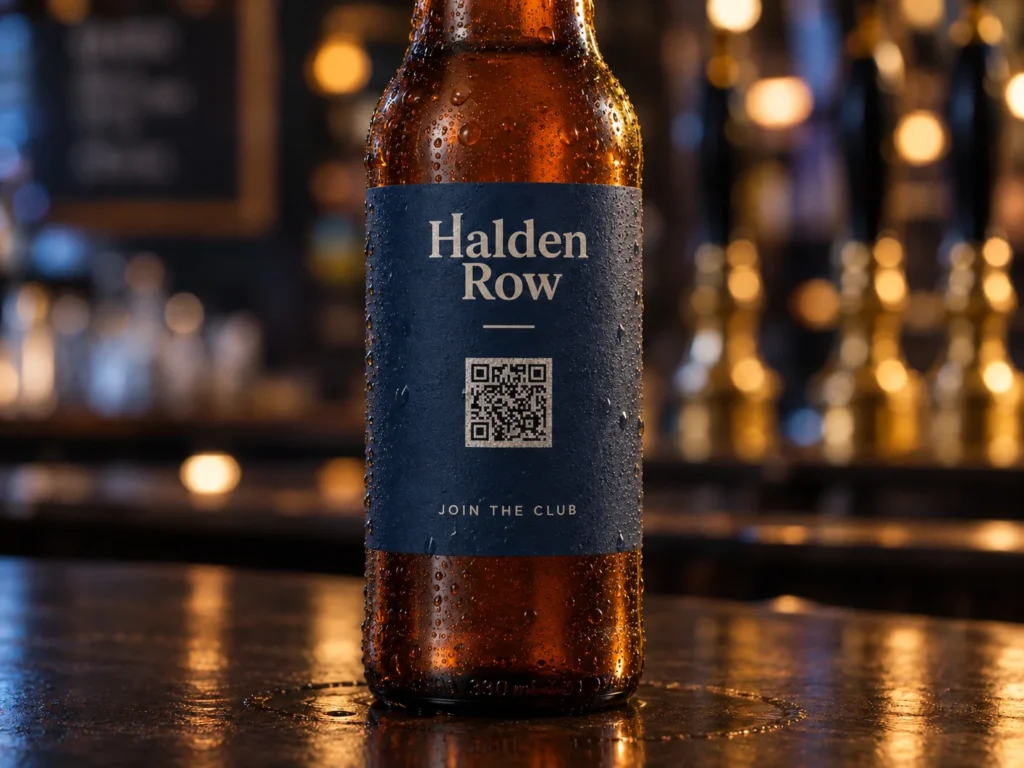
Bottles come out of fridges and ice buckets covered in condensation, and get scanned in bar light by someone holding the bottle in one hand. Matte finishes survive that. Gloss lacquer does not.
Aluminium and shrink sleeves
Direct print on a can needs a white base coat under the QR code or the metal reflects the camera back at itself. Shrink sleeves distort the QR code as they shrink, so the printer has to pre-distort the artwork.
A label that outlives the vintage
Print runs and warehouse cycles are measured in years. Change the destination from your dashboard and every bottle already on a shelf follows, without a new label.
QR solutions that work best on a bottle or can
Three print mistakes that stop a bottle or can QR code scanning
Sizing it without measuring the diameter
Every guide repeats a 2 cm minimum, which is true on flat stock and only half the story on a cylinder. A 20 mm QR code sits comfortably on a 75 mm wine bottle and struggles on a 53 mm slim can, because the same square is bent through a much sharper arc.
Putting it near the edge of the visible face
Curvature is gentlest at the centre of the face you are looking at and steepest at the sides. A QR code pushed towards the edge of a wraparound label is being read at the worst part of the curve. Centre the QR code on the panel people naturally turn towards them.
Glossing over the condensation problem
A chilled bottle is a wet bottle. Water droplets on a gloss lacquer scatter light in every direction and a QR code that scanned dry on the bench fails in an ice bucket. Specify a matte varnish window over the QR code even when the rest of the label is high shine.
WHAT TO LINK FROM YOUR BOTTLE OR CAN
One code. Endless ways to use it.
Pick the right QR type for the job – every one is dynamic, trackable, and editable long after the labels are printed.
Ingredients and nutrition, without a bigger label
EU rules let wine producers put the full ingredient list and nutrition table behind a QR code instead of on the bottle. One code per SKU, pointing at a plain page you can correct without reprinting a single label.
USES: URL QR CODEServing notes, pairings and cocktails
Upload the tasting notes, food pairings or a cocktail sheet as a PDF and OpenQR hosts it. The label carries the name, the QR code carries the twelve pages that would never fit behind it.
USES: PDF QR CODEWhere to buy the next one
A location QR code opens a map of stockists, taprooms or refill points near whoever is holding the bottle. Worth more than a web address on a product bought in a shop you do not own.
USES: LOCATION QR CODETasting feedback that reaches you
An email QR code opens a pre-addressed message with the batch or vintage already in the subject line, so an opinion about a specific run lands in your inbox rather than on a review site.
USES: EMAIL QR CODEJoining the club without typing
An SMS QR code opens a message with the join text already written. One tap in a bar beats a signup form on a phone keyboard with a drink in the other hand.
USES: SMS QR CODEWITHOUT OPENQR
- A 20 mm code bent round a slim can until it stops reading
- Condensation on gloss lacquer scattering the scan in an ice bucket
- Bare aluminium reflecting the camera straight back
- A corrected ingredient list means pulping the whole label run
WITH OPENQR
- Code width sized from the diameter of the container
- Matte varnish window over the code, gloss everywhere else
- White base coat under the code on direct-printed cans
- Fix the page, keep the labels already on the shelf
What goes wrong with QR codes on bottles and cans
Bottles and cans fail on geometry before anything else. A QR code is read by locating three corner patterns and measuring even spacing between them, and wrapping that square round a cylinder makes the spacing uneven from the camera’s point of view. The tighter the curve, the worse it gets, which is why the same 20 mm QR code that works on a 75 mm wine bottle becomes unreliable on a 53 mm slim can. Then the conditions pile on: condensation off a chilled bottle, gloss lacquer scattering bar light, and bare aluminium under a direct print reflecting the camera back at itself.
The second problem is the timeline. Drinks labels print in runs of tens of thousands and then sit in a warehouse through a full sales cycle, while ingredient lists get corrected, vintages change, campaigns end and regulations move. A static bottle QR code freezes the destination at the moment the label goes to press. A dynamic one does not, so a mistake found after bottling costs a dashboard edit rather than a pallet of labels.
QR code size for bottles and cans, by diameter
On flat stock the rule is scanning distance divided by ten, which puts a handheld QR code at 20 mm. On a cylinder a second limit applies first. The QR code has to stay inside a shallow enough arc that the camera still reads even spacing, which in practice means keeping the arc under about 40 degrees.
Working rule: QR code width no more than a third of the container diameter, and never below 20 mm. If those two numbers cannot both be satisfied, the container is too narrow for a wrapped code.
| Container | Typical diameter | Maximum QR code width | Verdict |
|---|---|---|---|
| Magnum, growler, demijohn | 100 mm and up | 33 mm and up | Comfortable, use 25 to 30 mm |
| Spirits bottle, 700 to 750 ml | 75 to 85 mm | 25 to 28 mm | Comfortable |
| Wine bottle, Bordeaux | 76 mm | 25 mm | Comfortable, 22 mm is a safe default |
| Standard 330 ml can | 66 mm | 22 mm | Works. Do not go under 20 mm |
| Beer bottle, 330 to 500 ml | 60 to 65 mm | 20 to 21 mm | At the floor. Keep the data short |
| 250 ml can | 58 mm | 19 mm | Marginal. Test before committing |
| Slim can, 330 ml | 53 mm | 17 mm | Below the floor. Use a flat panel or neck tag |
| Dropper or sample bottle | 30 mm | 10 mm | Not possible wrapped. Hang tag or flat-sided bottle |
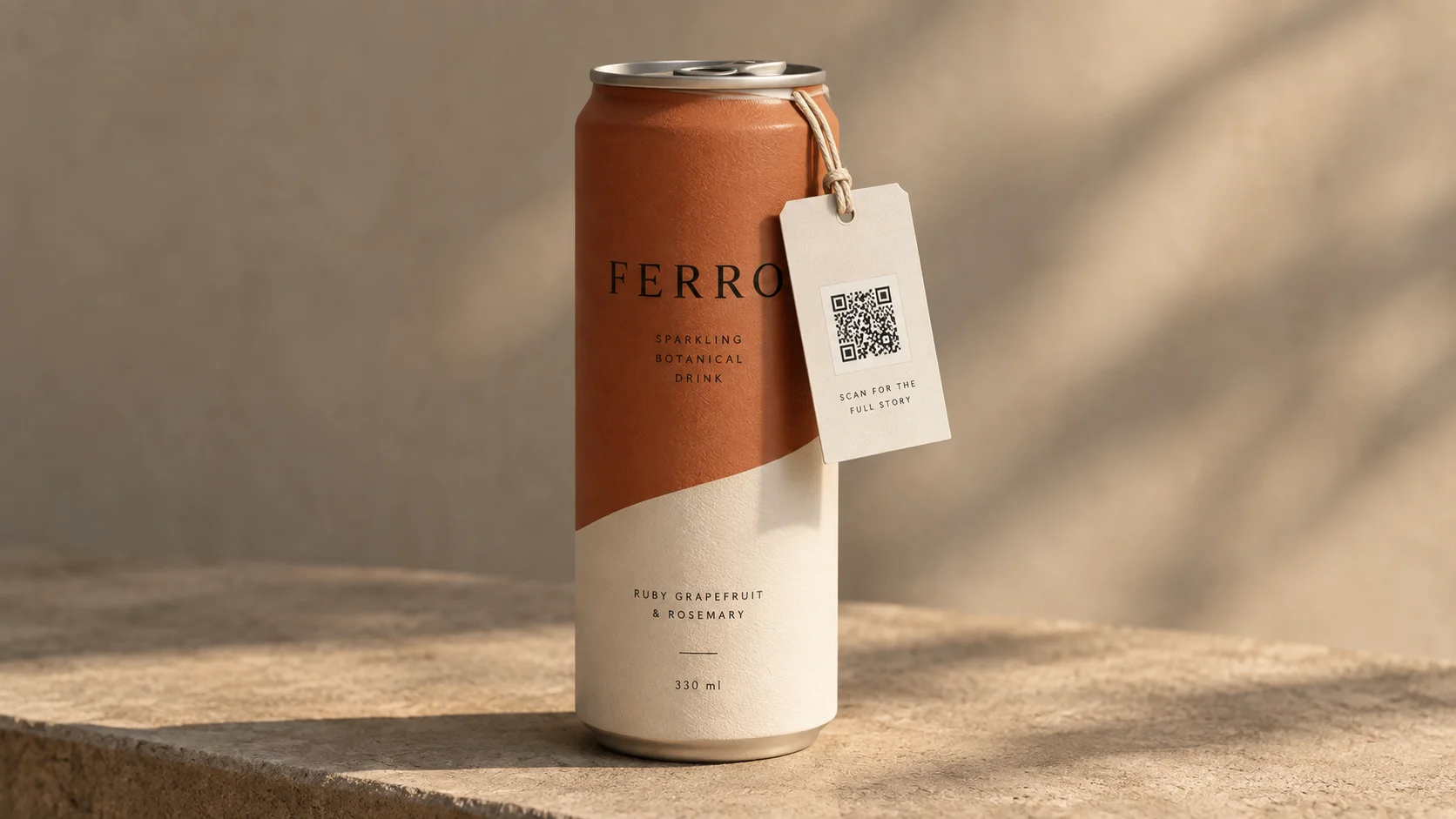
When the container is too narrow, you have three ways out and shrinking the QR code is not one of them. Use a flat-sided bottle so the QR code sits on a plane. Move the QR code to a neck tag, hang tag or a flat back label. Or accept a multipack outer as the scanning surface and leave the can itself carrying only a short URL.
| Spec | Bottles and cans | Why it matters |
|---|---|---|
| Quiet zone | 4 modules clear on all sides | On a curve the scanner needs more help finding the edges, not less |
| Position | QR code centred on the visible face | Curvature is gentlest at the centre and steepest at the sides |
| Finish over the code | Matte varnish window | Condensation on gloss lacquer scatters the scan |
| Direct print on aluminium | White base coat under the code | Bare metal reflects the camera back at itself |
| Shrink sleeve | Printer pre-distorts the artwork | The sleeve stretches unevenly as it shrinks onto the shape |
| Contrast | Dark code, light background | Inverted codes fail on many native camera apps |
| Data density | Short dynamic link | Fewer modules means each one is larger and survives the curve |
| File format | SVG, EPS or PDF | Vector survives the scaling a label repro house applies |
Data density does more work here than on any flat material. Every character you encode adds modules, every module is thinner, and thinner modules distort faster round a curve. A short dynamic link is the difference between a code that fits on a 330 ml can and one that does not. The general print mechanics are covered once in our guide to print QR codes, and the other substrates in QR codes on product packaging.
Where to put a QR code on a bottle or can
On the back label, centred, at the widest point of the container. The back is where the legal text already lives, it is the panel people rotate towards themselves, and the widest point is where the curve is gentlest. Avoid the neck, where the diameter narrows and the arc tightens, and avoid the seam on a wraparound label, where the overlap creates a ridge the camera reads as a break in the QR code in the pattern. Leave the quiet zone genuinely clear rather than running background colour up to the edge, and put a short line of type beside the QR code saying what the scan does.
Wine and spirits producers have a second reason to get this right. Under EU Regulation 2021/2117, in force since 8 December 2023, wine sold in the EU must carry an ingredient list and nutrition declaration, and both may be provided electronically through a QR code rather than printed on the bottle, with the energy value and allergens staying on the physical label. The rules expect one code per SKU and a destination that is neutral, meaning no marketing content and no tracking technologies on the e-label page. Dynamic codes are allowed, which is what makes correcting a list after bottling possible at all. Keep the compliance QR code and any marketing QR code separate, and confirm the current requirements with your own compliance advisor before you print. Our guides to the EU Digital Product Passport and GS1 QR codes and compliance cover the wider regulatory picture.
Make the code dynamic before the label artwork is signed off. A static QR code encodes the destination in the pattern, so it cannot be corrected after bottling and it produces a denser grid, which is the last thing you want on a surface that is already working against you. See static vs dynamic QR codes, and QR codes for consumer goods for how drinks brands use them across a range.
Then test on the real thing, which for bottles means an actual bottle rather than a flat proof. Have the printer apply a label to a sample container, put it in a fridge for an hour so it comes out with condensation on it, and scan it in dim light on two phones while holding it the way a customer would. A QR code that fails on a wet bottle in a bar has failed at the only moment that mattered.
QR code width no more than a third of the container diameter, and never below 20 mm.
Back label, widest part of the container, away from the neck and the label seam.
Condensation on gloss lacquer scatters the scan. Ask for a matte varnish window.
Label a real bottle, chill it for an hour, scan it in bar light. That is the real test.